Remote Process Explorerv25.05 · May 2025 Download View Pricing

Remote Process Explorer screenshots

See Remote Process Explorer in action.

Main window

10 screenshots
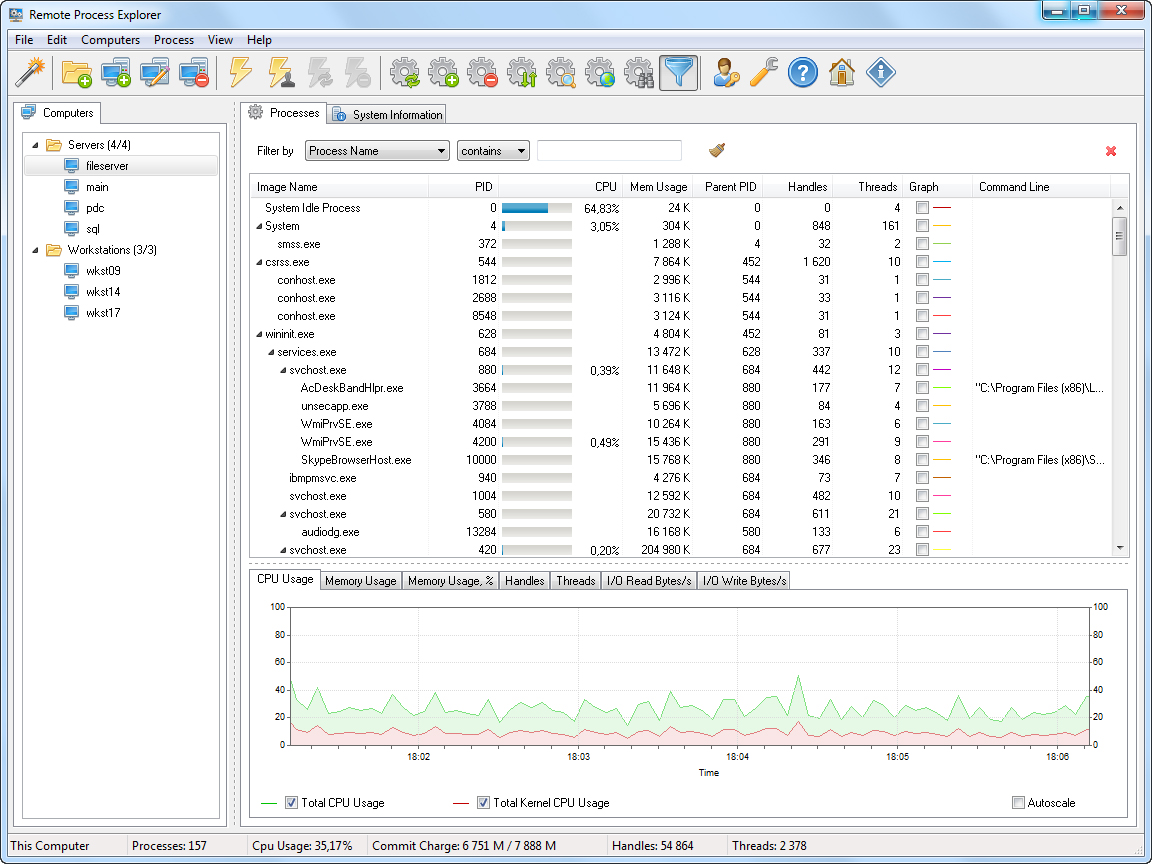
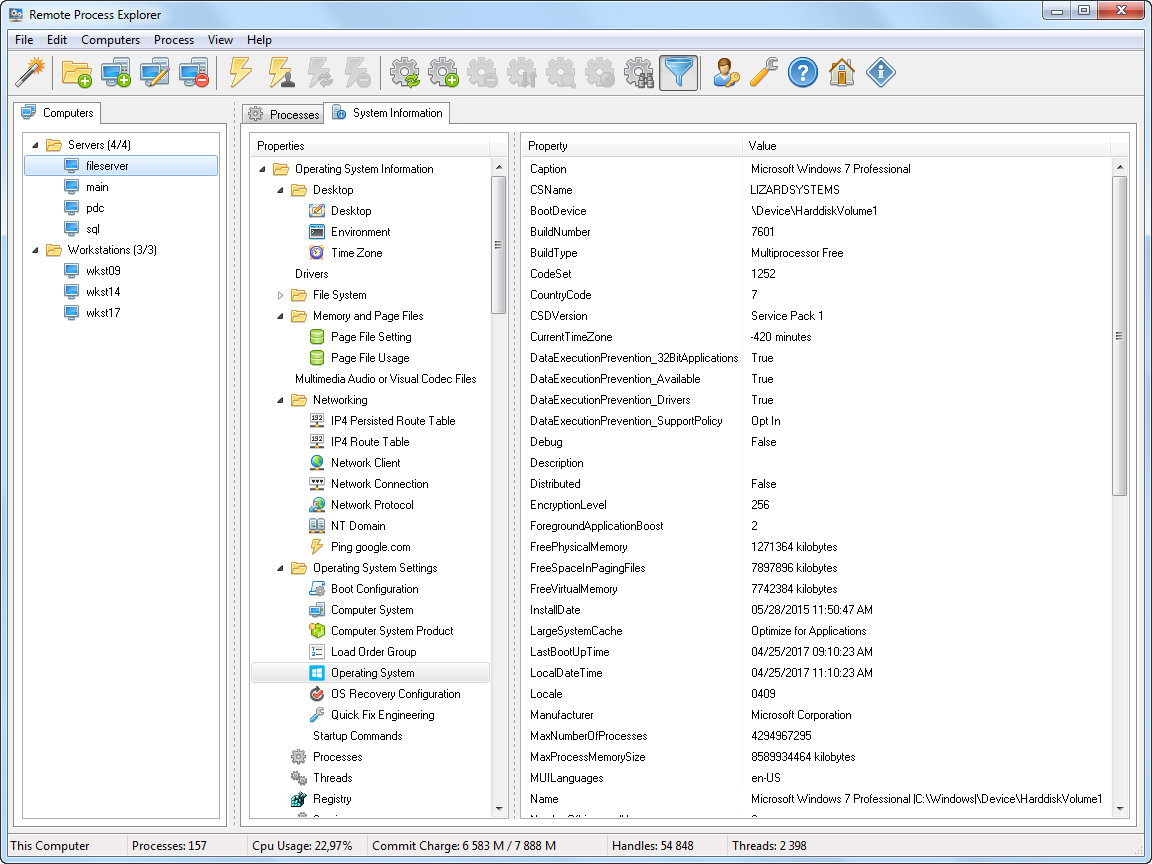
Remote Process Explorer - System Information
02 Remote Process Explorer - System Information
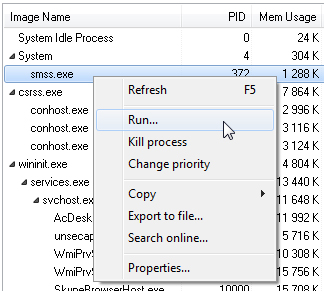
Process list popup menu
03 Process list popup menu
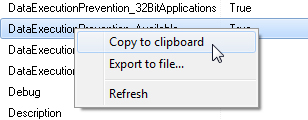
System Information popup menu
04 System Information popup menu
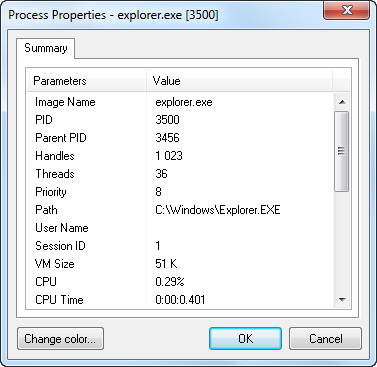
Process Properties
05 Process Properties
Filter processes
06 Filter processes
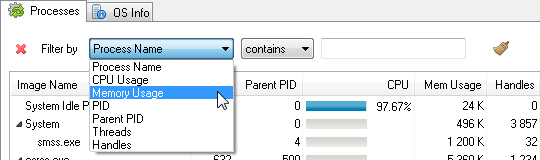
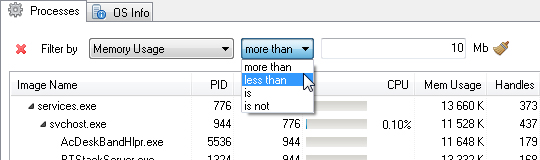
Filter process by Memory Usage
07 Filter process by Memory Usage
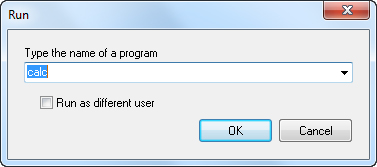
Run Process
08 Run Process
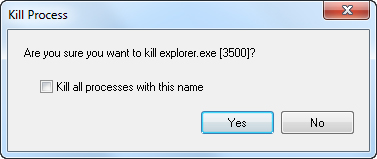
Kill Process
09 Kill Process
Change Process Priority
10 Change Process Priority

Charts

7 screenshots
CPU Usage
01 CPU Usage
Memory Usage
02 Memory Usage
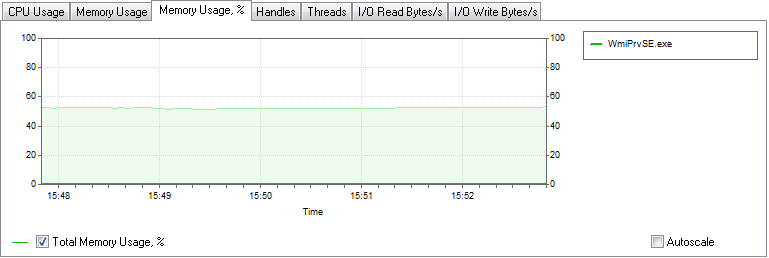
Memory Usage %
03 Memory Usage %
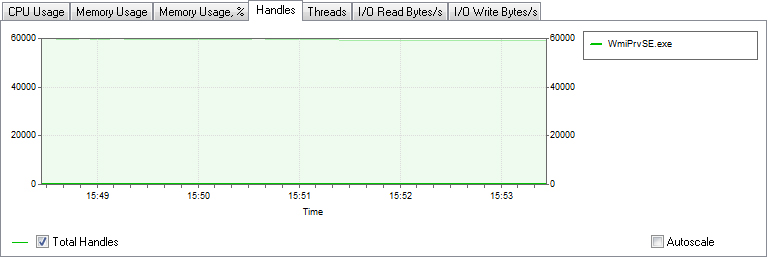
Handles
04 Handles
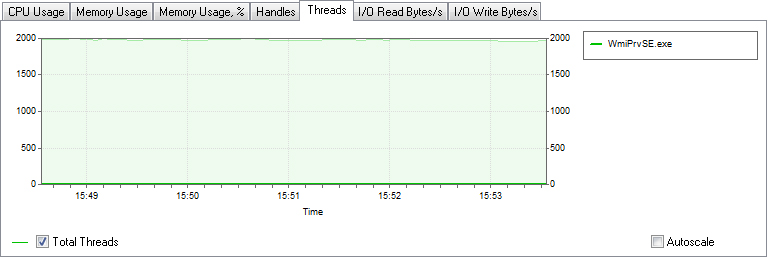
Threads
05 Threads
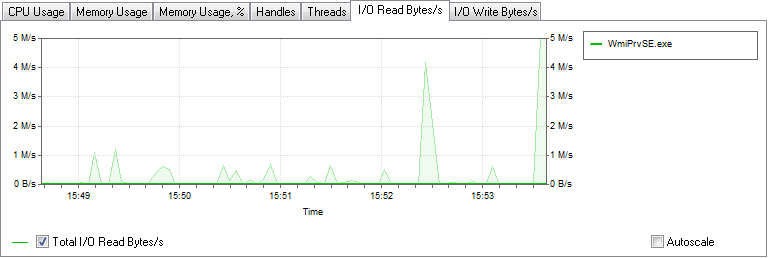
I/O Read bytes/s
06 I/O Read bytes/s
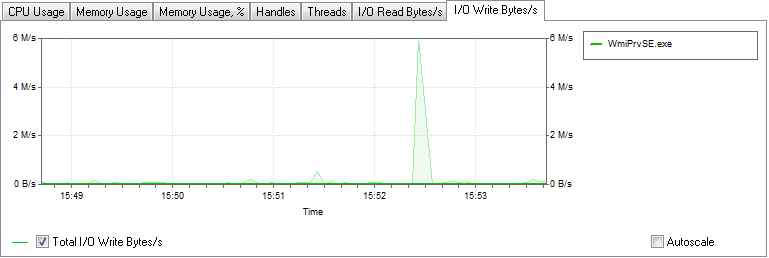
I/O Write bytes/s
07 I/O Write bytes/s

Add Computers Wizard

8 screenshots
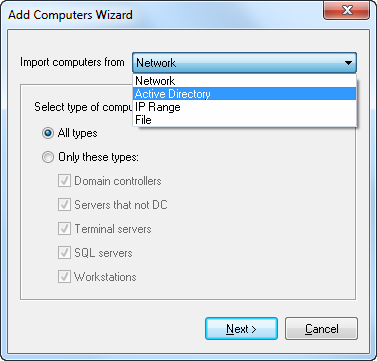
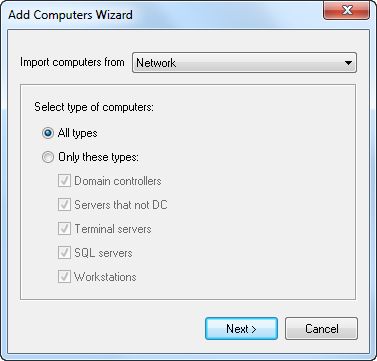
Add Computers Wizard
01 Add Computers Wizard
Import Computers from Network
02 Import Computers from Network
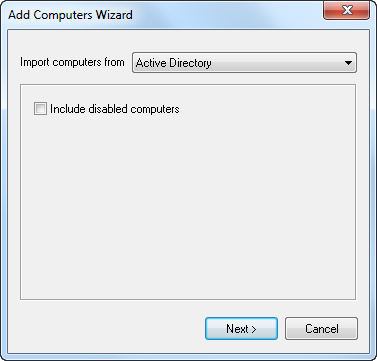
Import Computers from Active Directory
03 Import Computers from Active Directory
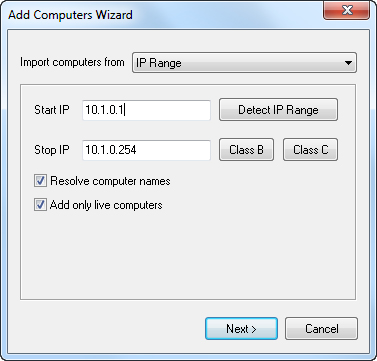
Import Computers from  IP Range
04 Import Computers from IP Range
Import Computers from File
05 Import Computers from File
Search for computers
06 Search for computers
Select grouping for computers
07 Select grouping for computers
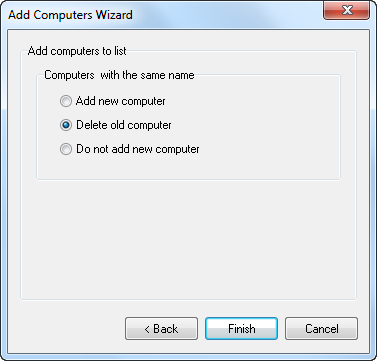
Add computers to list
08 Add computers to list

Computer list

6 screenshots
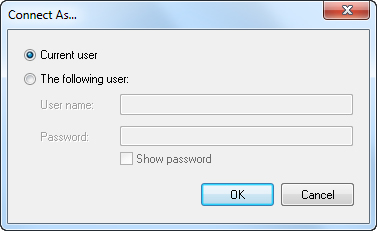
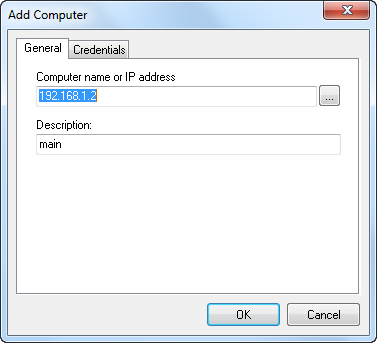
Add Computer
01 Add Computer
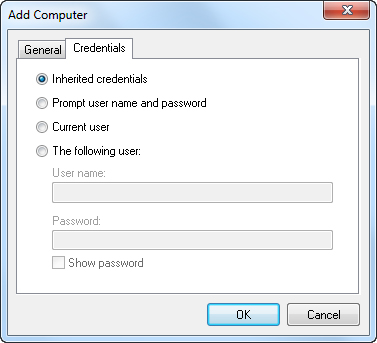
Add Computer - Credentials
02 Add Computer - Credentials
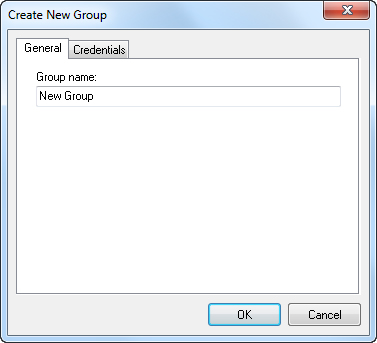
Add New Group
03 Add New Group
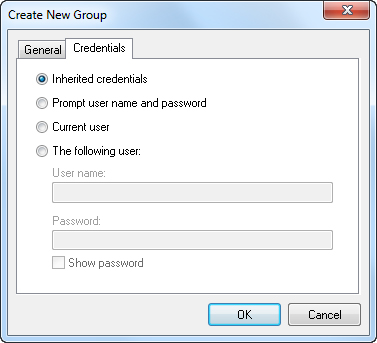
Add New Group - Credentials
04 Add New Group - Credentials
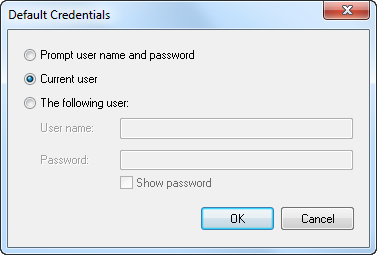
Default Credentials
05 Default Credentials
Connect as...
06 Connect as...

Tools

5 screenshots
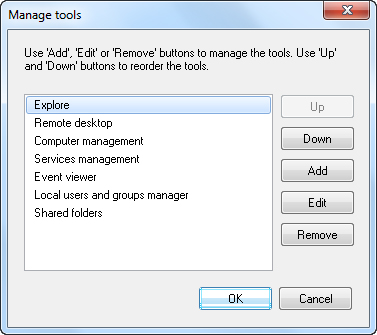
Manage Administrative tools
01 Manage Administrative tools
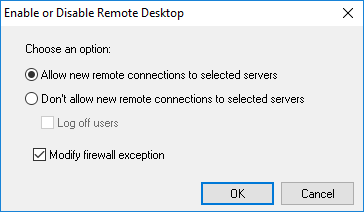
Enable or disable Remote Desktop on remote computers
02 Enable or disable Remote Desktop on remote computers
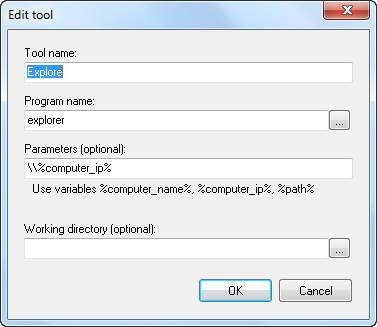
Edit Administrative tools
03 Edit Administrative tools
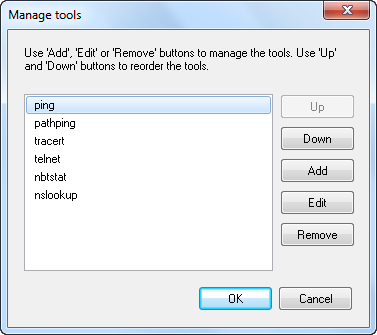
Manage Network tools
04 Manage Network tools
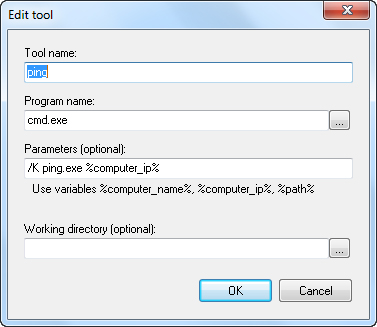
Edit Network tools
05 Edit Network tools

Preferences

3 screenshots
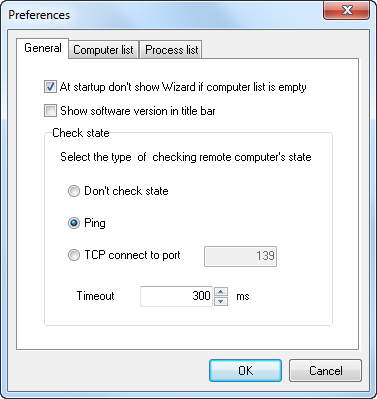
Preferences - General
01 Preferences - General
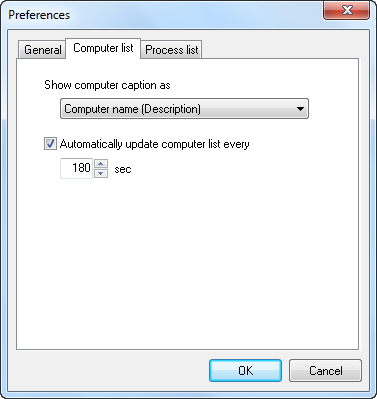
Preferences - Computer list
02 Preferences - Computer list
Preferences - Process list
03 Preferences - Process list