Terminal Services Manager is now available on winget
Terminal Services Manager can now be installed and updated via winget, Microsoft's command-line package manager.
Product releases, version previews, and company announcements, newest first.
Terminal Services Manager can now be installed and updated via winget, Microsoft's command-line package manager.
Terminal Services Manager 26.04 is the first native 64-bit release. Previous versions were 32-bit only. Also adds session history with HTML reports, a numeric connection quality score for RDP sessions, …
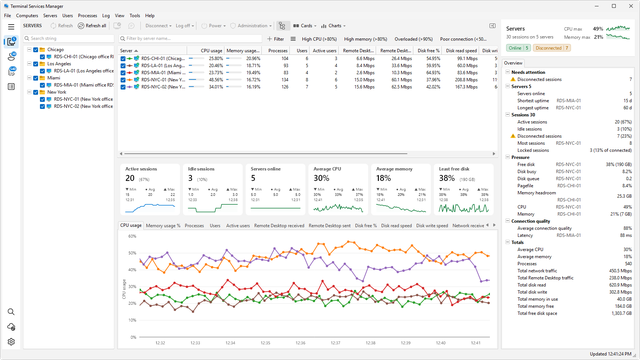
Major update brings Dark Mode, connection quality metrics, advanced filtering, and 130+ administrative commands to RDS environments
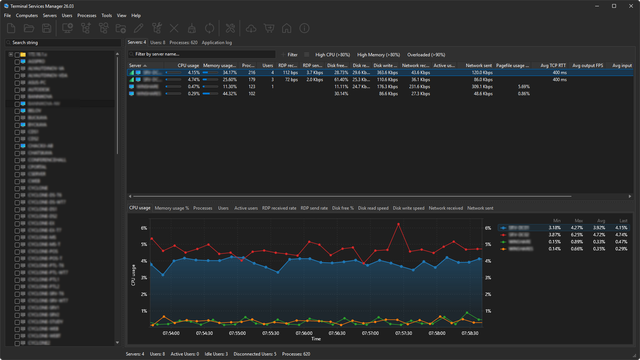
Terminal Services Manager 26.03 preview: rebuilt UI with dark mode and high-DPI support, Skia-based charts, per-session RDP connection quality metrics, and 130+ admin commands.
New versions of Terminal Services Manager, Remote Process Explorer, Remote Desktop Audit, Find MAC Address, and Change MAC Address are available. Bug fixes and vendor database updates.
Terminal Services Manager 22.09 adds remote shutdown, message type and timeout settings, Catalan, Spanish, and Slovenian languages, plus calendar versioning.
Terminal Services Manager 3.0 adds User Profiles management with remote profile deletion, an Enable/Disable Remote Desktop tool, improved context menus, and RDP /admin connection option.
Terminal Services Manager update adds memory performance counters, failed logon tracking, incremental search in computer list, and several bug fixes.
Terminal Services Manager update adds support for session shadowing on Windows 2012 R2 and now shows idle time for disconnected users.
Terminal Services Manager 1.0 lets you monitor remote desktop users, sessions, and processes across multiple servers in real time, with CPU and memory usage tracking.