Features
Explore what Terminal Services Manager can do for you.
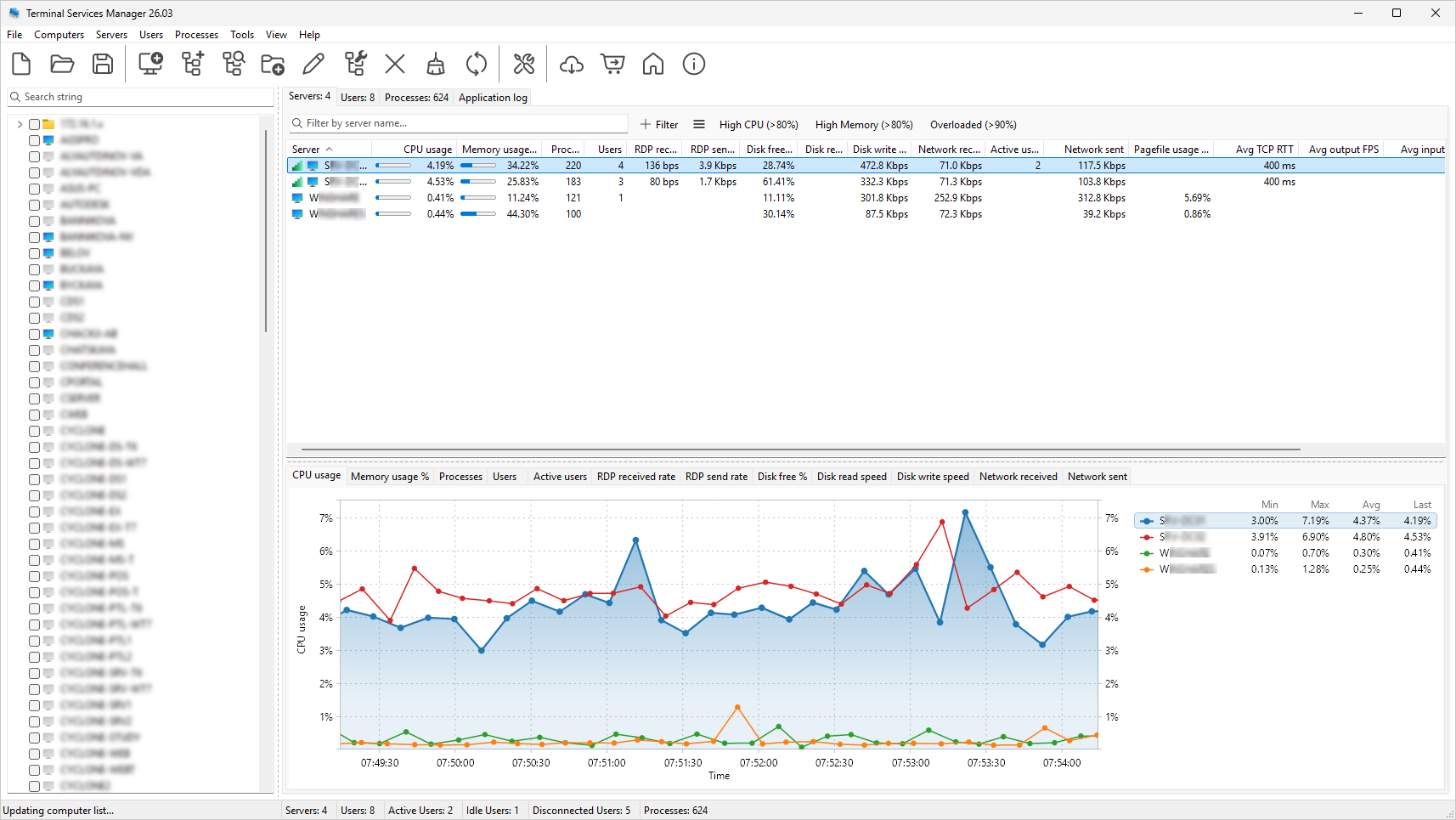
Server performance monitoring
CPU, memory, and 11 additional server metrics: available memory, pagefile usage, disk free space, disk read/write speed, disk busy percentage, disk queue length, network bytes received and sent, and system uptime. All with real-time interactive charts.
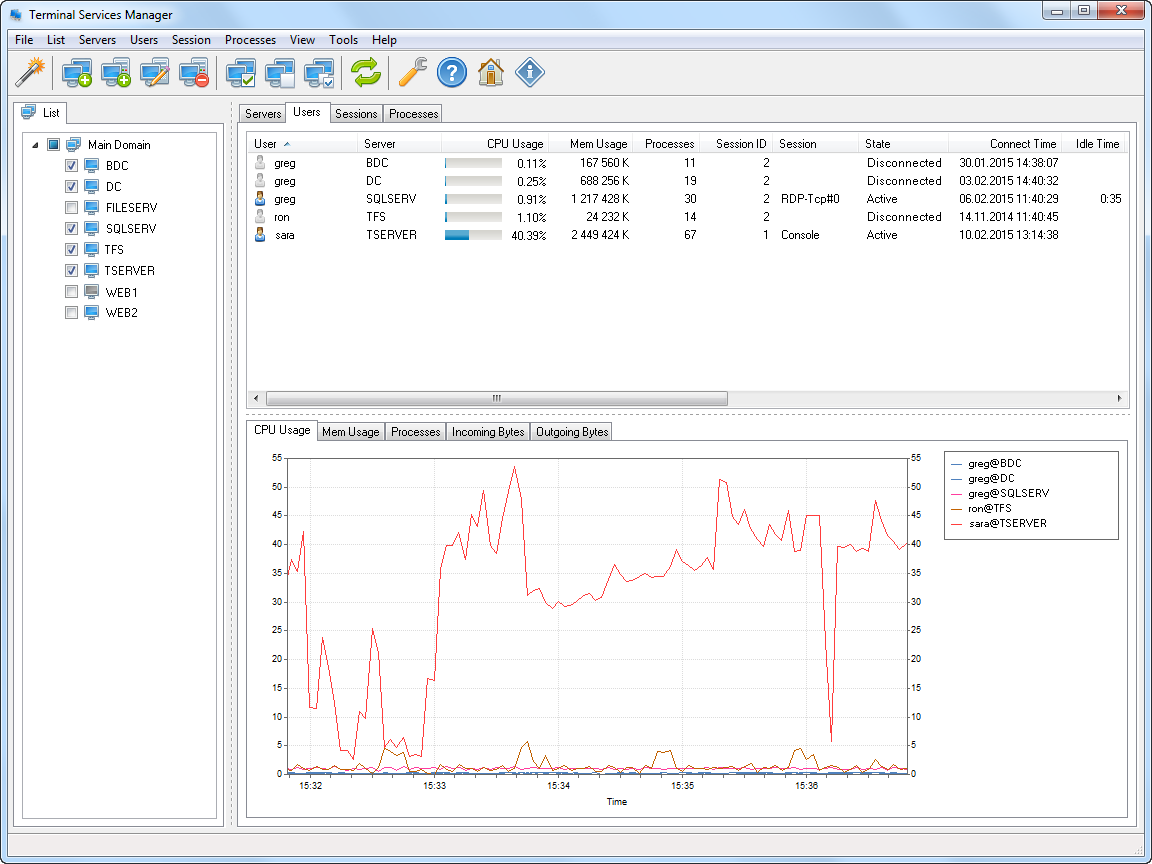
Session and user monitoring
Connect to one or more RDS servers and see all sessions, users, and processes in one place. Per-user columns show TCP round-trip time, bandwidth, output frame rate, and frame quality. A 4-bar icon shows connection health for each session. Server-level columns show the average and worst values across all users. Seven diagnostic columns help troubleshoot slow sessions: packet loss, retransmission rate, FEC correction rate, frames skipped (client/network/server), and encoding time. Use filters like loss > 1% or retransmission > 5% to find problem sessions across your servers.
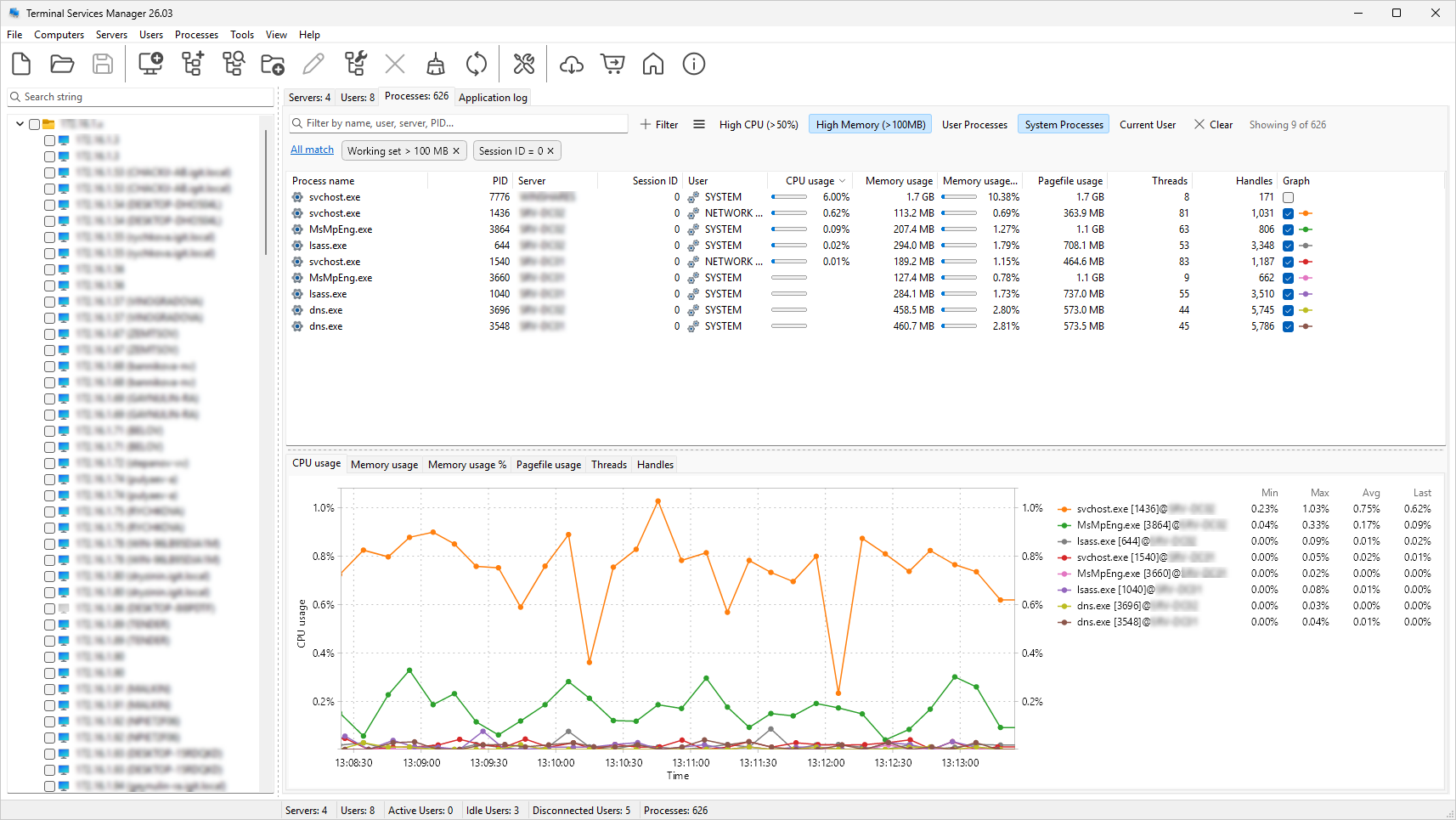
Process monitoring
View processes running on remote servers with per-process CPU usage, memory usage, handle count, and thread count. Terminate processes remotely. Filter by user, process name, CPU or memory usage with built-in presets.
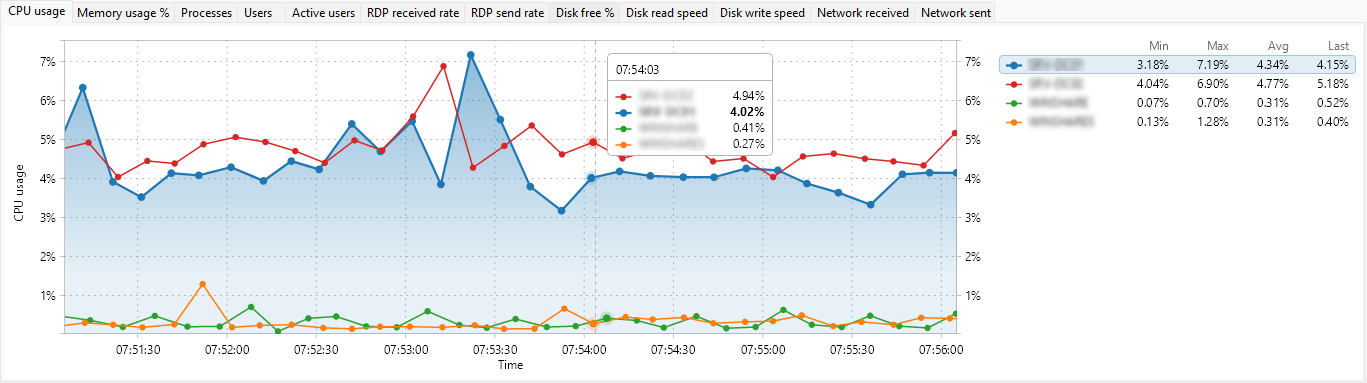
Interactive performance charts
Charts with zoom and measurement modes. The legend shows min, max, average, and current values. Export to clipboard or file (PNG, BMP).
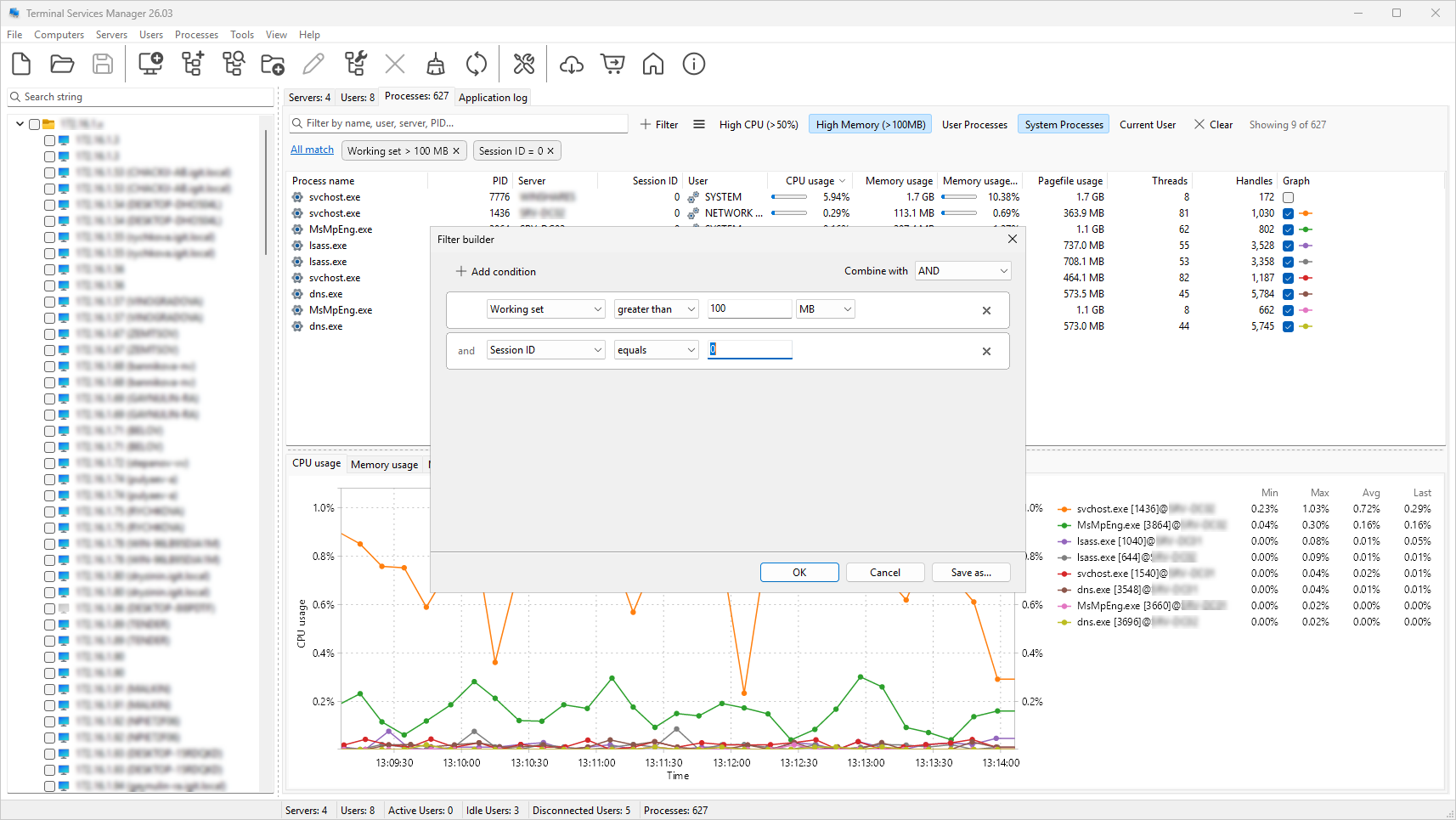
Advanced filtering
Build filters with AND/OR logic, text matching, numeric comparisons, and a "between" operator. Active conditions show as removable chips. Quick search highlights matches in the tree. Includes 19 presets for Servers, Users, and Processes tabs.
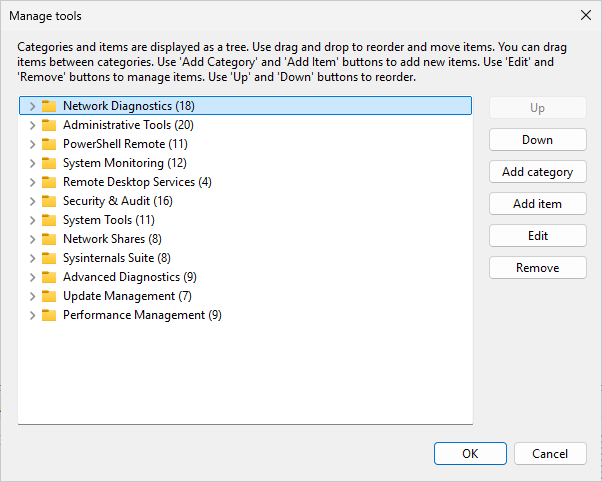
130+ administrative commands
133 commands in 12 categories: Network Diagnostics, PowerShell Remote, System Monitoring, Security & Audit, Sysinternals Suite, and others. You can add your own commands and categories, and import/export sets in JSON, XML, or Plain Text.
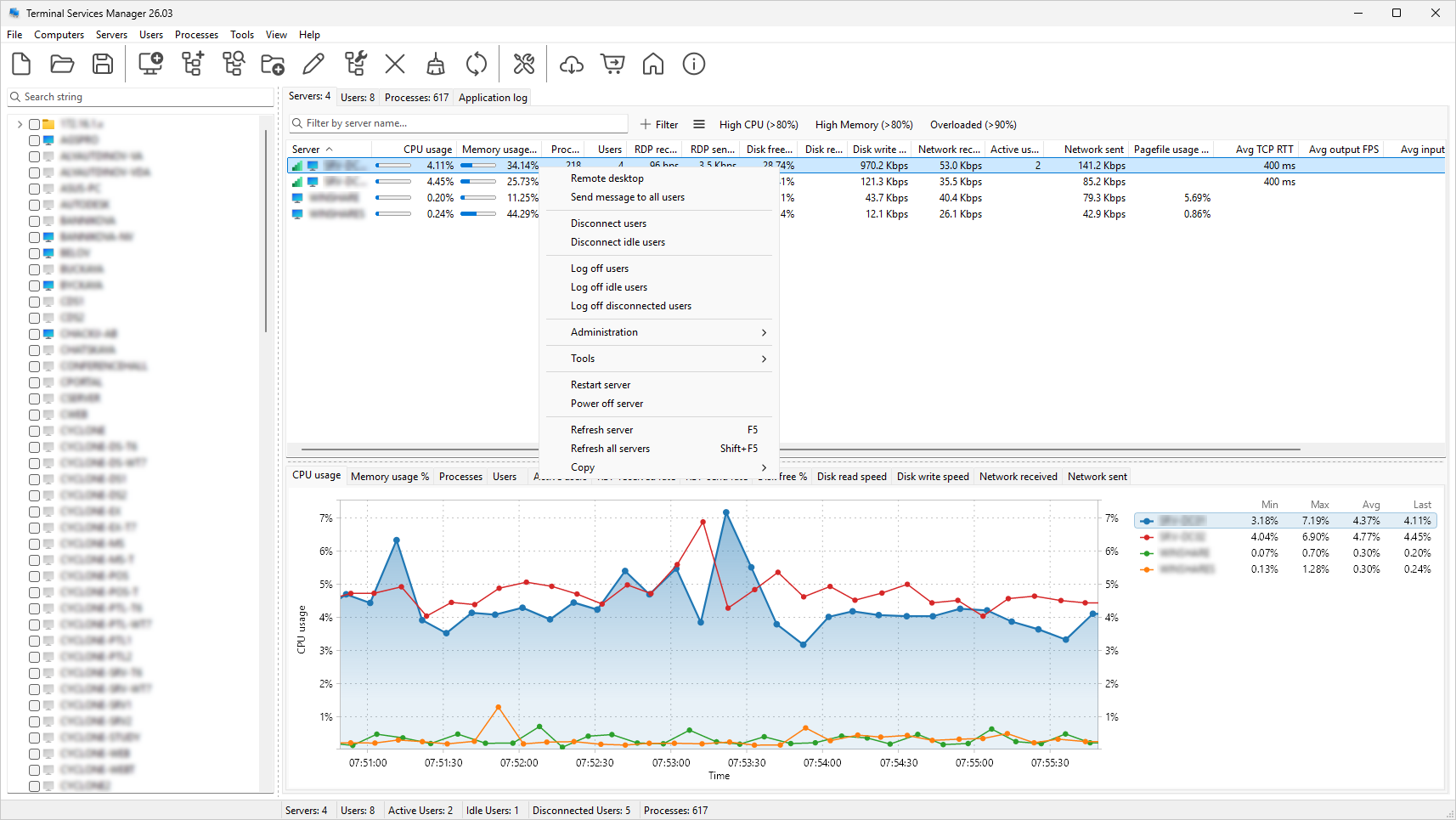
Administration tools
Log off or disconnect idle users across servers by time threshold. Log off disconnected users to clean up stale sessions. Shadow (remote control) user sessions. Manage user profiles on remote computers.
Track user activity: logon, logoff, disconnect, and reconnect events. Monitor failed logon attempts. View RDS licensing info. Send messages to users with presets and variables. Restart or shut down servers remotely. Export lists to CSV.
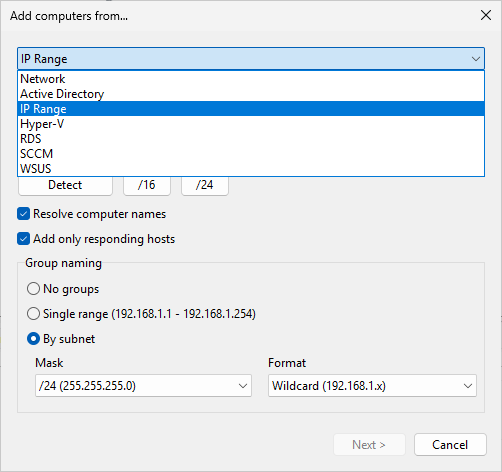
Computer discovery
Find computers automatically from 7 sources: Network, Active Directory, IP Range, Hyper-V, RDS Connection Broker, SCCM/MECM, and WSUS.
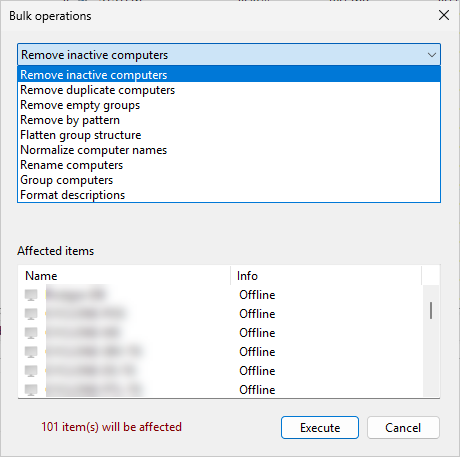
Bulk operations
Remove inactive or duplicate computers, normalize names, add prefixes, group by subnet or domain, and format descriptions from templates. A live preview shows what will change before you apply.
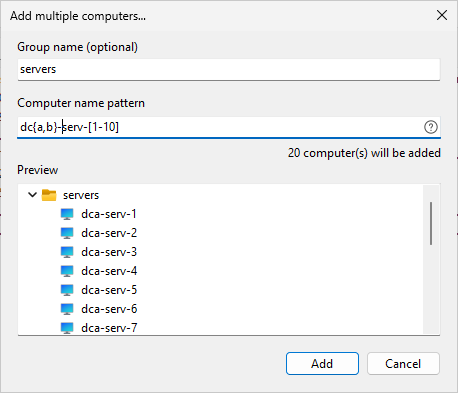
Add multiple computers
Enter a name pattern and let the program generate the list. Supported patterns: comma list {a,b,c}, numeric range [1-10], leading zeros [001-15], range with step [1-10:2], alpha range [A-Z]. Patterns can be combined: server[01-10], 192.168.1.[1-254], rack[A-C][1-3]. A live preview shows all generated names before you add them.
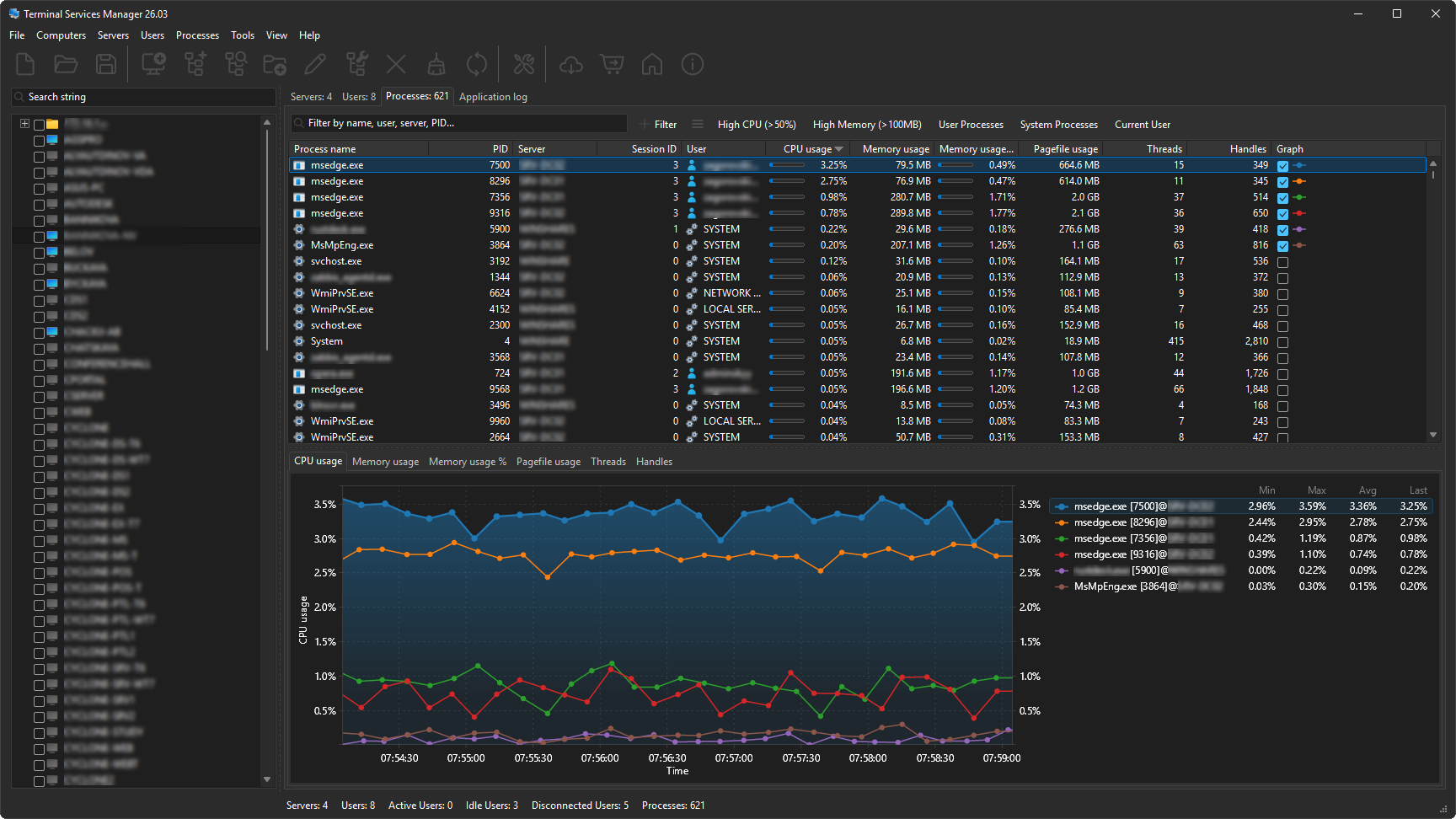
Dark Mode
Three modes: follow Windows theme, always dark, or always light. High-DPI support with per-monitor awareness. Works on Windows 11.
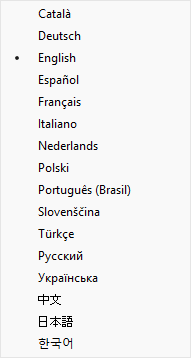
16 languages
English, Russian, Ukrainian, French, Spanish, Catalan, Slovenian, Brazilian Portuguese, Chinese, Dutch, German, Italian, Japanese, Korean, Polish, and Turkish.