LanSendv26.06 · Jun 2026 Download View Pricing

LanSend, screen by screen

The main window, sending a message and choosing sessions, building the computer list, message presets, and the preferences pages.

Main window

7 screenshots

The composer, the computer list, and the send bar.
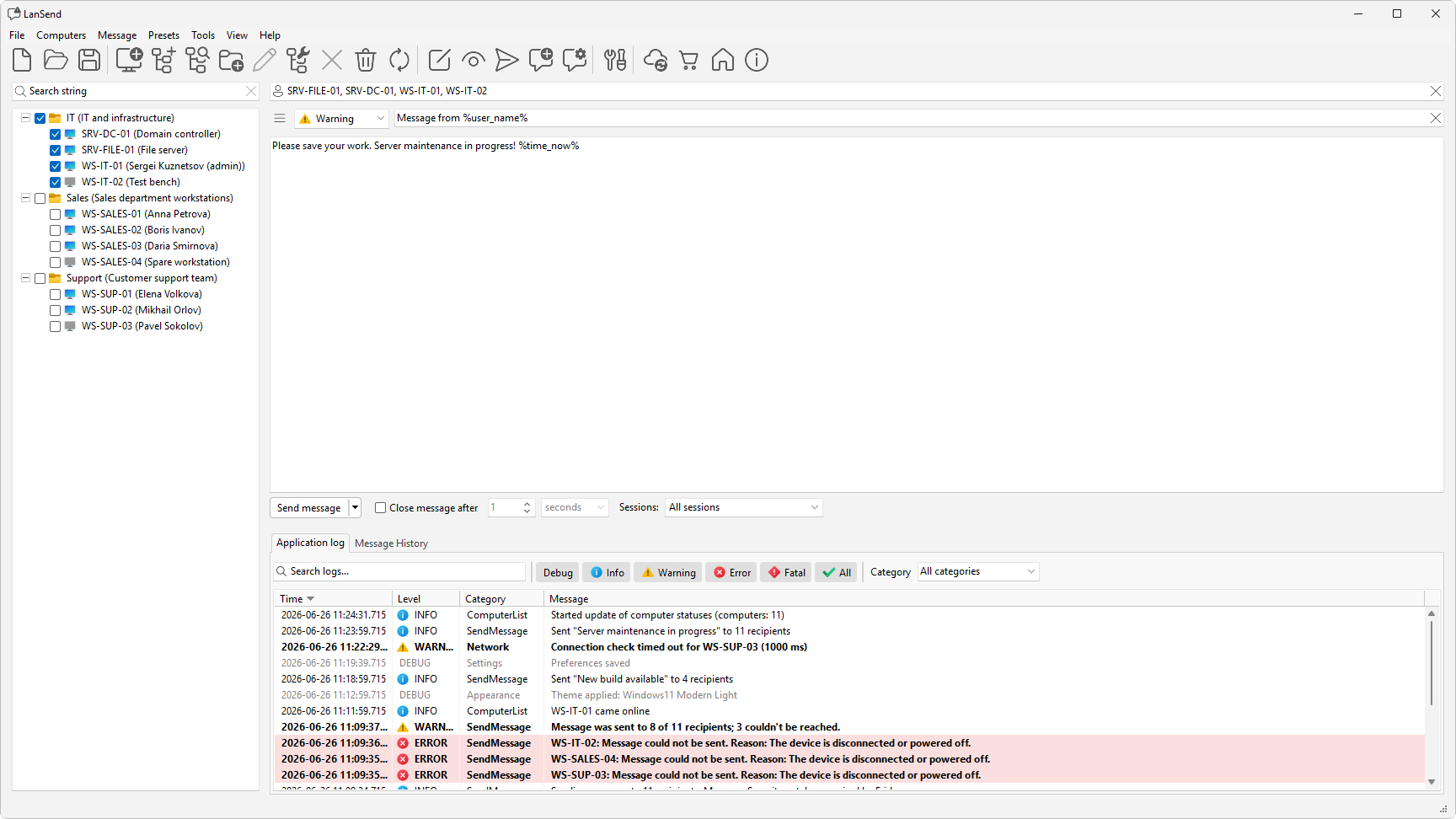
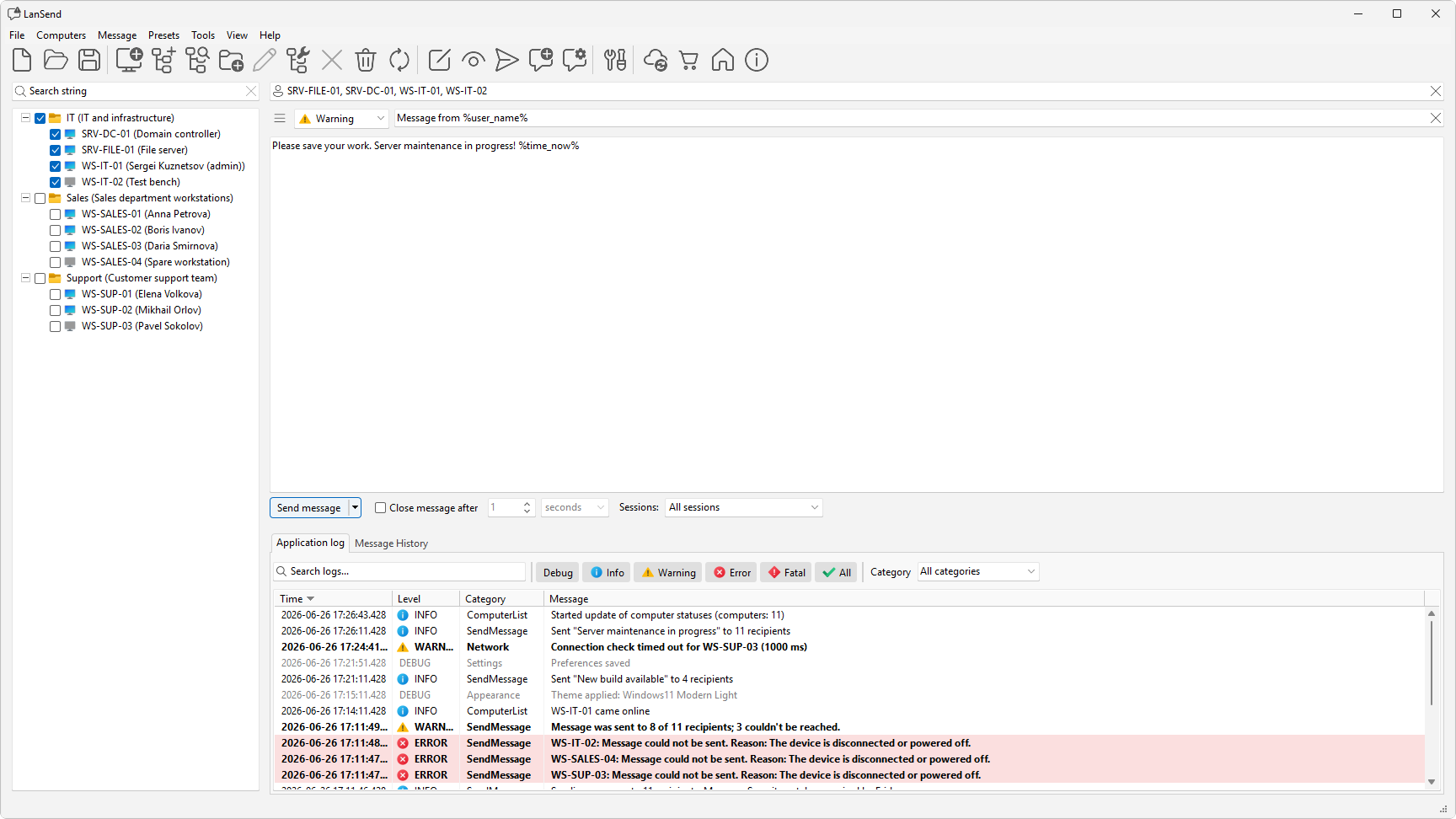
Send message
02 Send message Compose, choose recipients, and send.
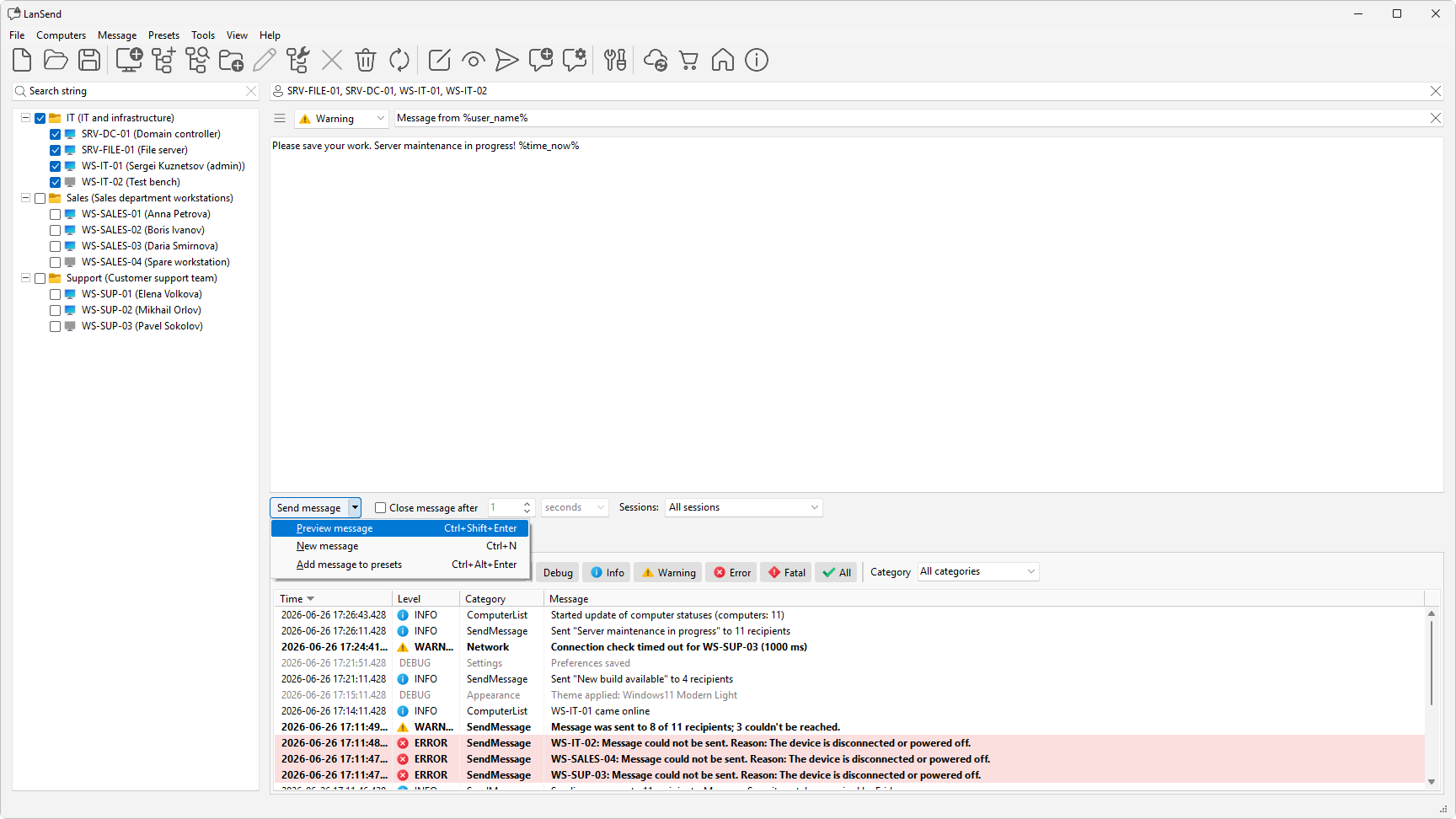
Message options
03 Message options Preview before sending, start a new message, or save it to presets.
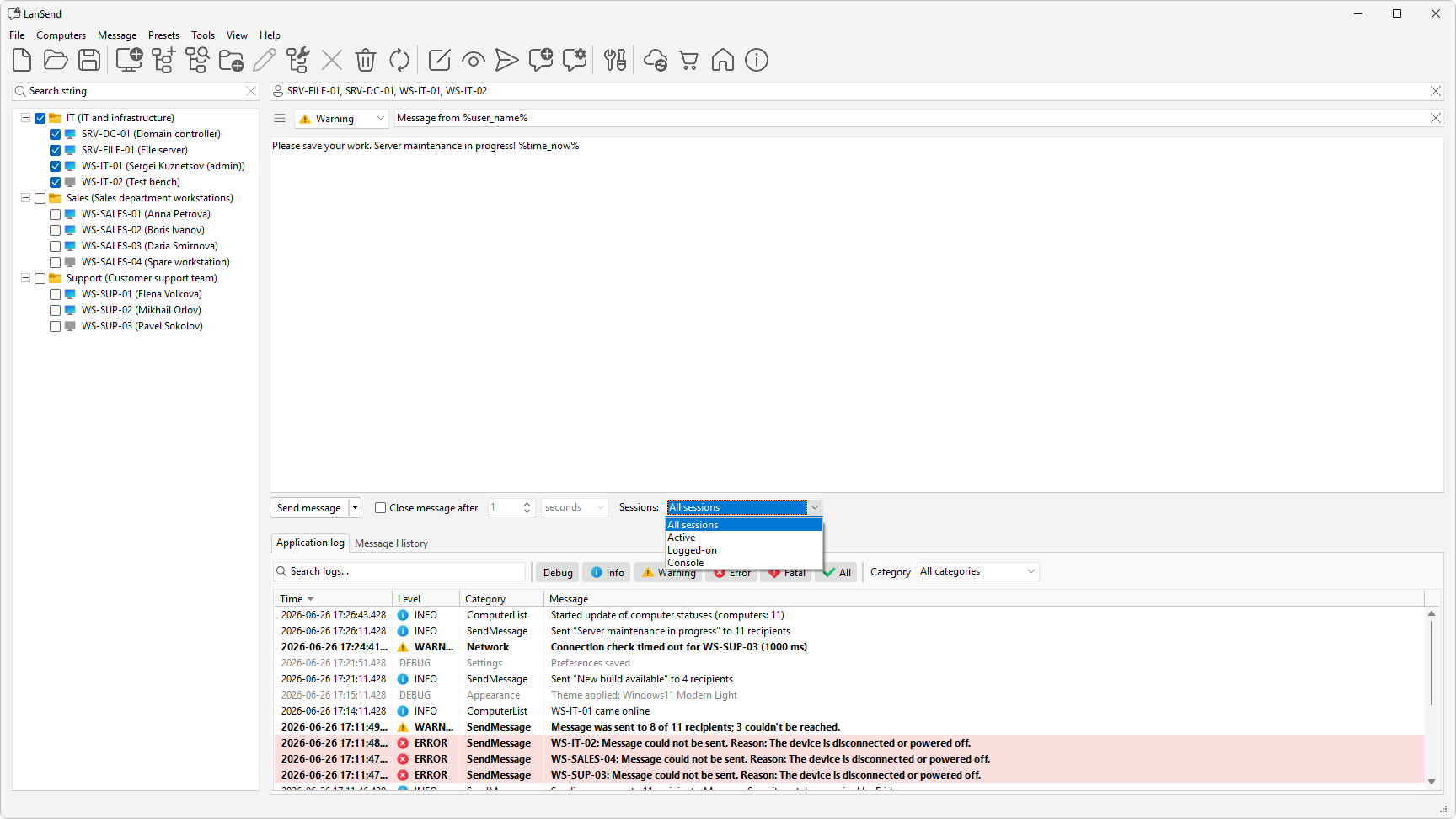
Session scope
04 Session scope Target All, Active, Logged-on, or Console.
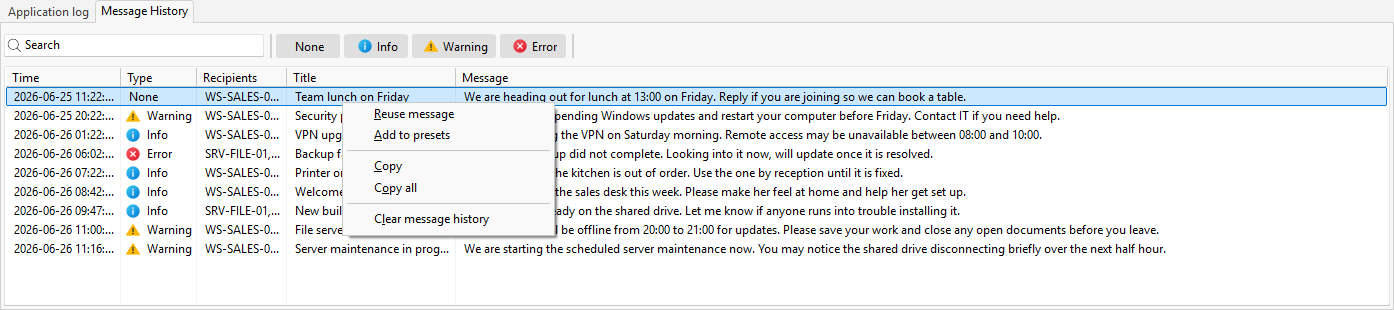
Message history
05 Message history Past messages; reuse or save as a preset.
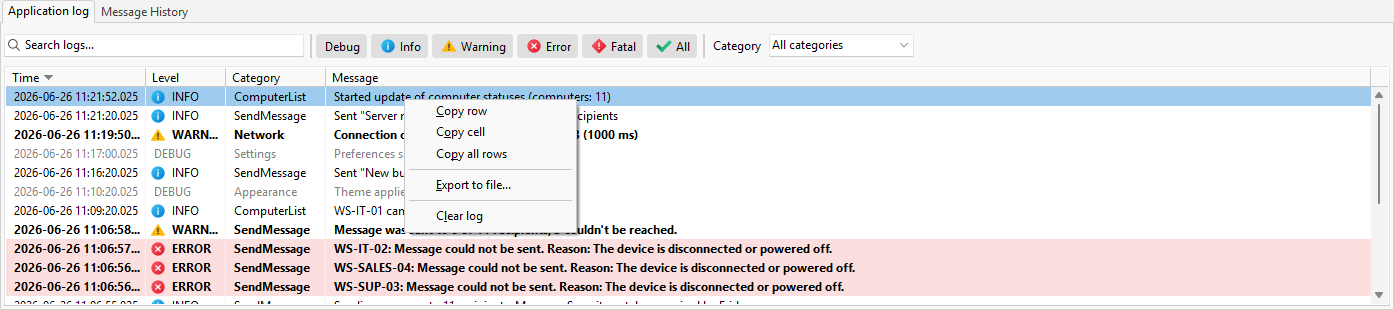
Application log
06 Application log Program activity, filtered by level and text.
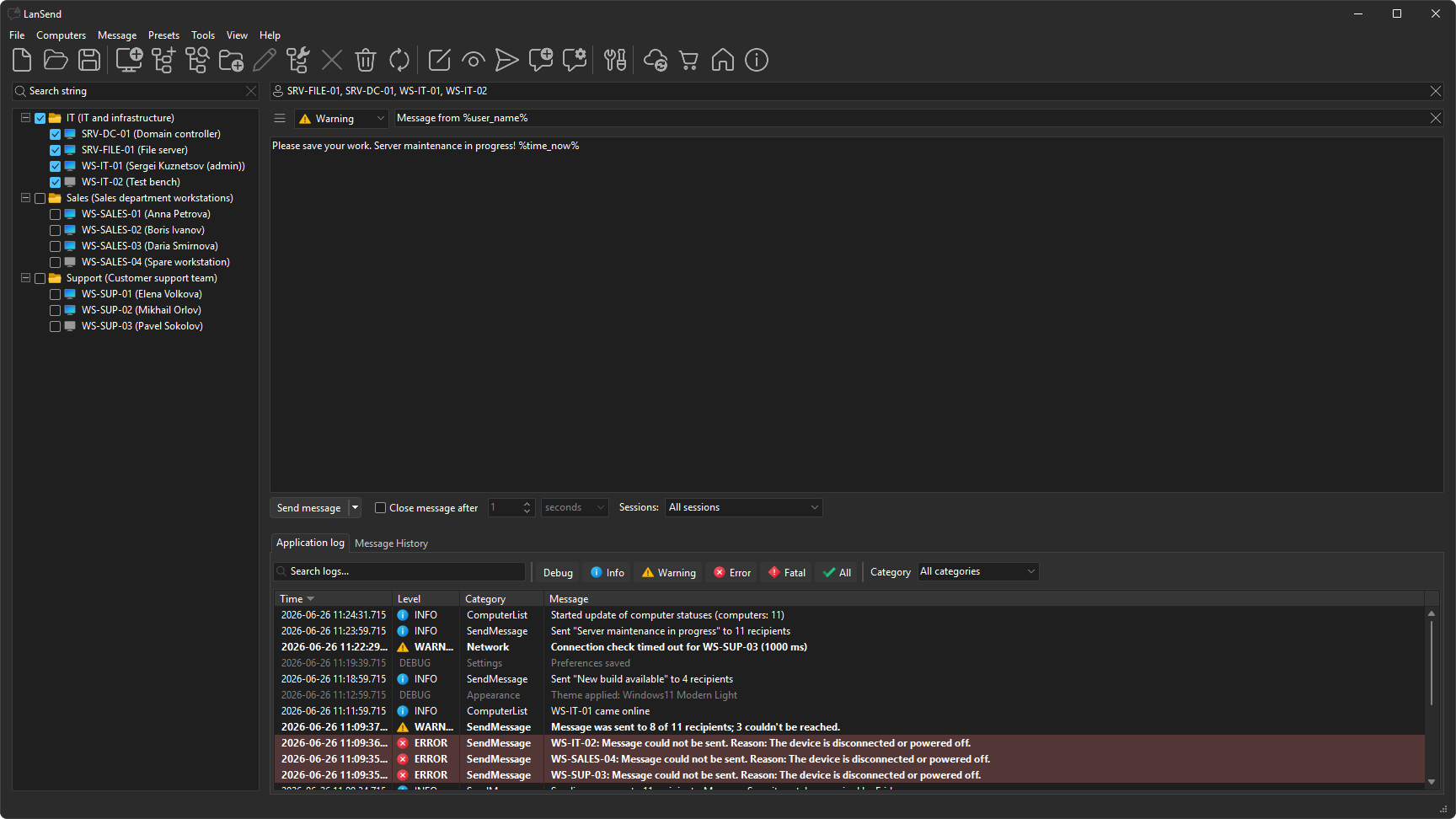
Dark theme
07 Dark theme The main window in the dark theme.

Message window

1 screenshot

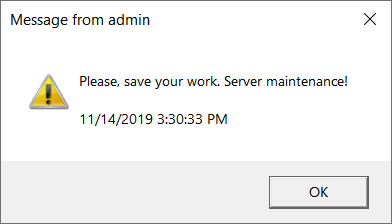
How a message looks on the recipient's screen.
Message window
01 Message window The pop-up a recipient sees.

Manage Computer List

5 screenshots

Add computers, group them, and clean up the list.
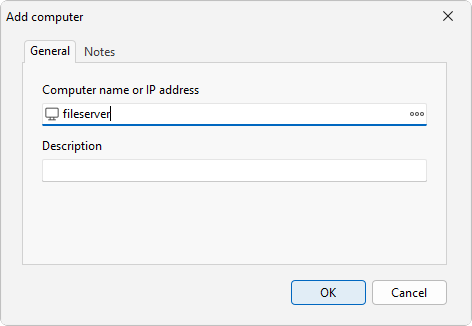
Add computer
01 Add computer Add one computer by name or address.
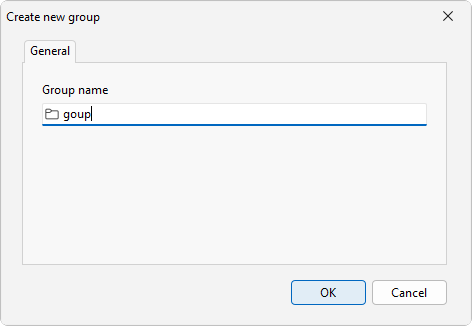
Create a group
02 Create a group Group computers by floor, lab, or team.
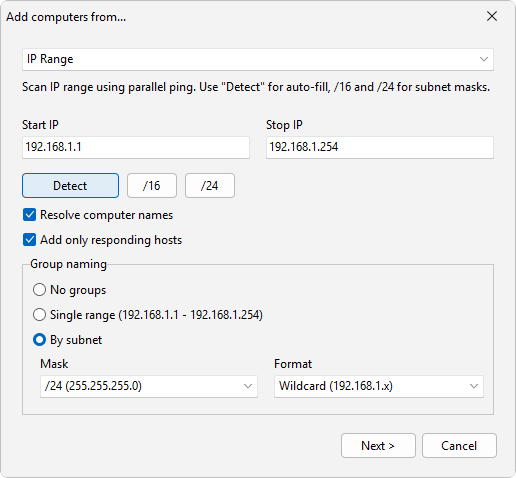
Add computers from a source
03 Add computers from a source From Active Directory, an IP range, RDS, and more.
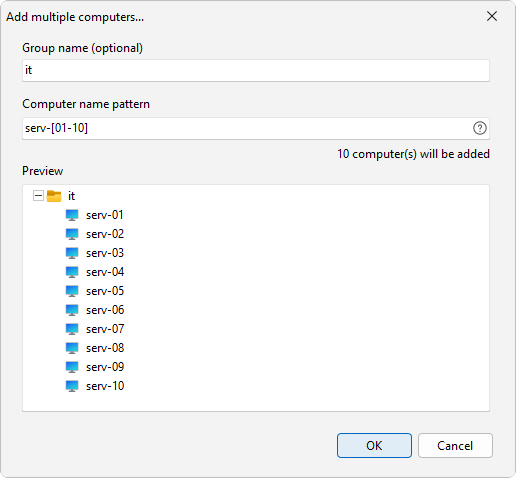
Add multiple computers
04 Add multiple computers Expand a name pattern into many names.
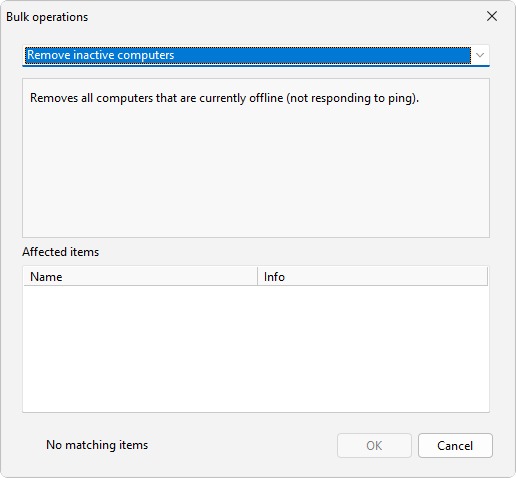
Bulk operations
05 Bulk operations Rename, regroup, or clean up in one pass.

Manage presets

3 screenshots

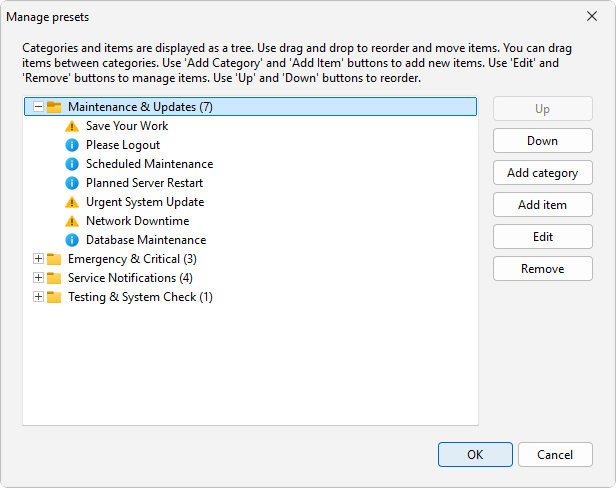
Save messages you send often and reuse them.
Manage presets
01 Manage presets Saved messages, organized by category.
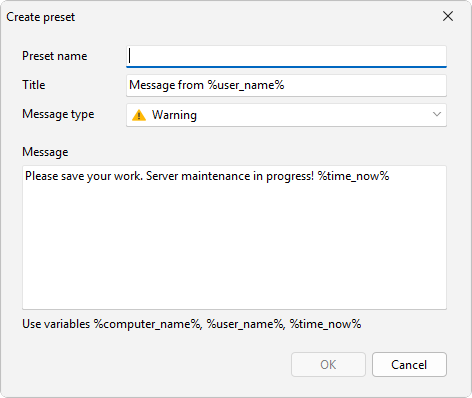
Create a preset
02 Create a preset Save the current message for reuse.
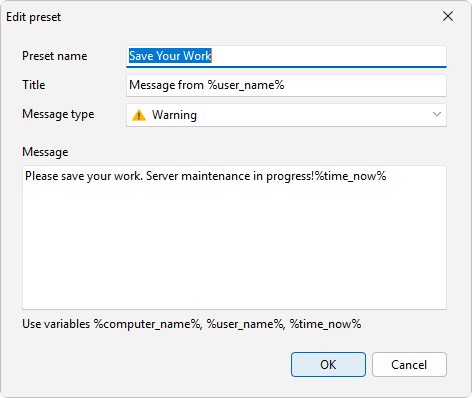
Edit a preset
03 Edit a preset Edit a preset's name, type, and text.

Preferences

5 screenshots

General, computer list, appearance, logging, and updates.
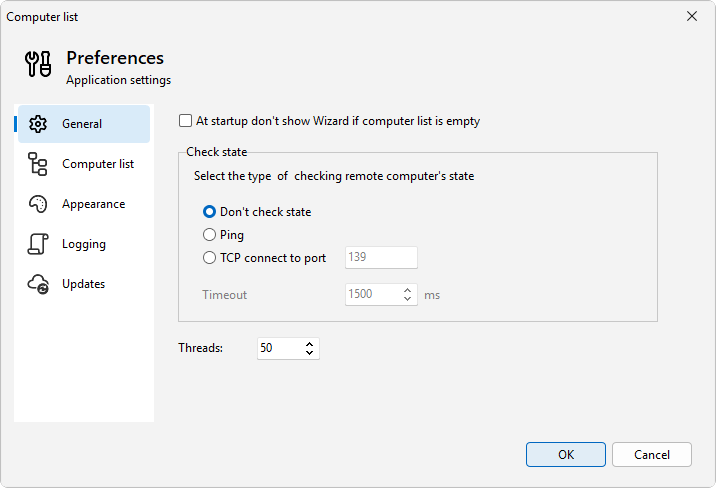
Preferences - General
01 Preferences - General Startup, status checks, and timeout.
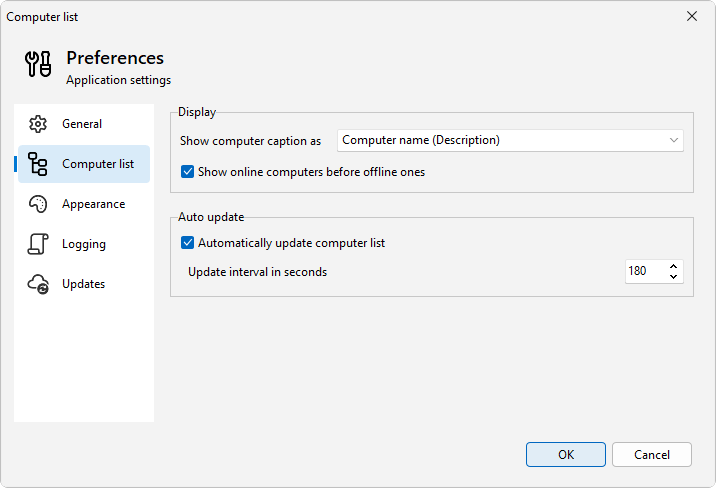
Preferences - Computer list
02 Preferences - Computer list How the list is shown and refreshed.
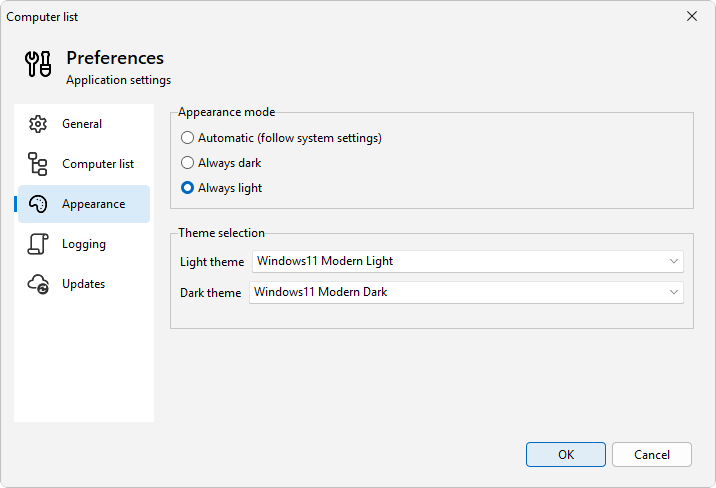
Preferences - Appearance
03 Preferences - Appearance Light, dark, or follow Windows.
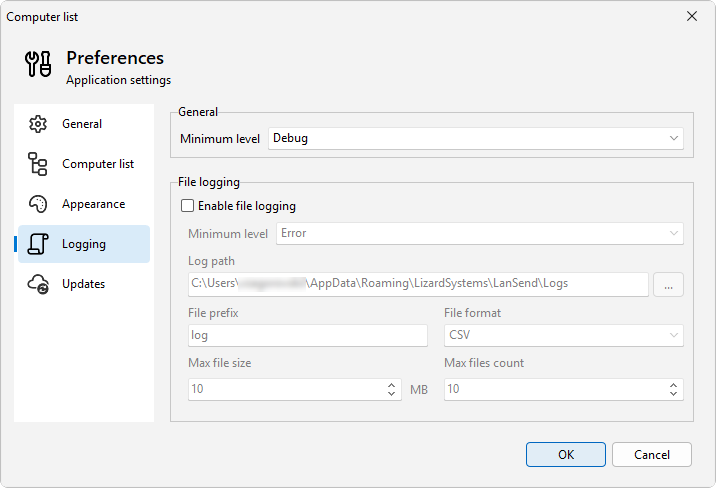
Preferences - Logging
04 Preferences - Logging Log level and file logging options.
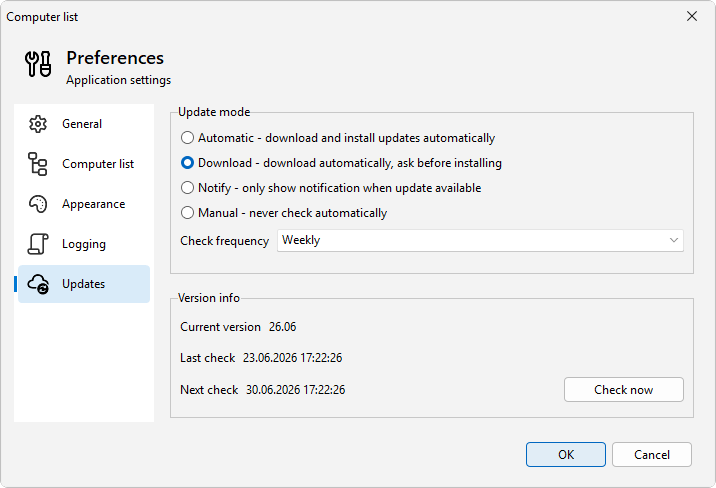
Preferences - Updates
05 Preferences - Updates Manual, Notify, Download, or Automatic.