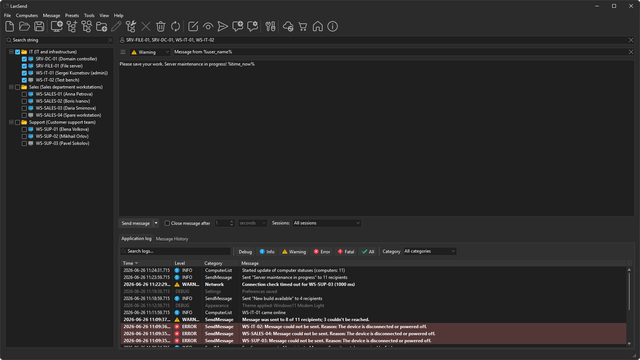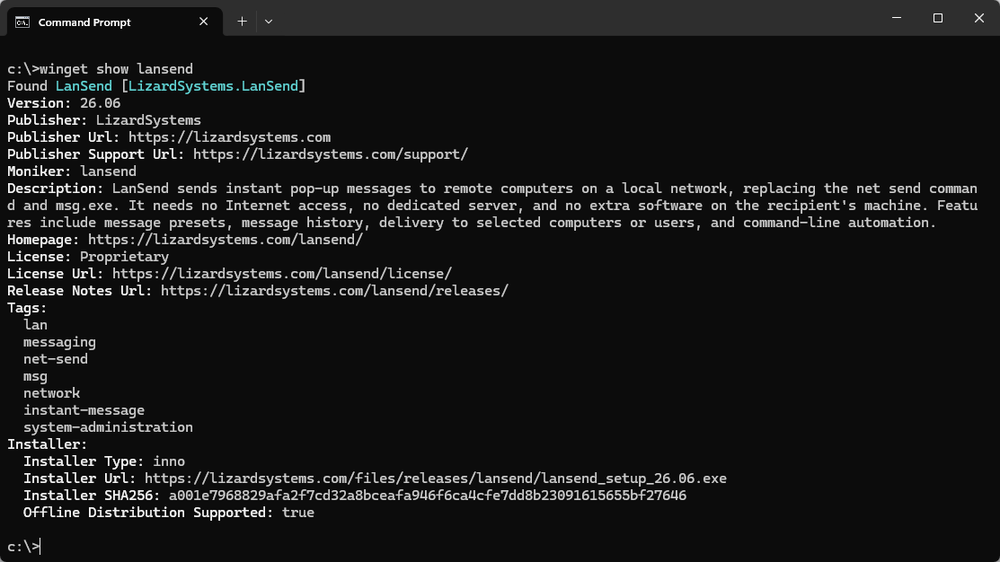
We have published LanSend to the Windows Package Manager (winget). You can now install and update it from the command line.
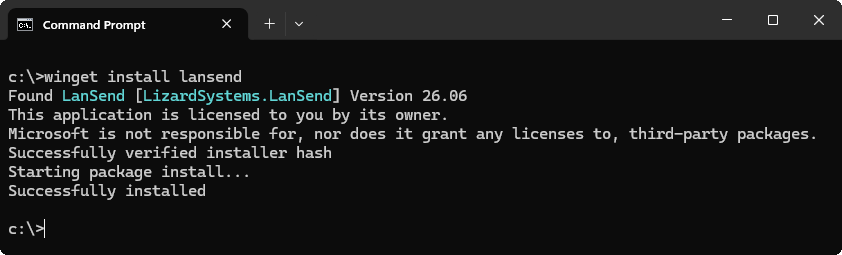
To install:
winget install lansend
To update:
winget upgrade lansend
If LanSend is already installed from the website, winget recognizes it. There is no need to uninstall first, and your settings, computer list, message presets, and message history are preserved.
Winget ships with Windows 11, Windows 10, and Windows Server 2025. On Server 2019 and 2022 you can set it up from PowerShell. On Server 2016 it is not available, so use the download page.
Nothing changes for the computers that receive your messages. They still need no agent and no server, whichever way you install LanSend.
For silent deployment, version pinning, offline installs, and troubleshooting, see the full guide: How to install and update LanSend with winget.


 Terminal Services Manager