
Before you patch, reboot, or take a Remote Desktop Services host down, the users on it need warning so they can save their work and sign out. Here is how to reach them, on one server with the built-in command and across many servers at once.
The manual way: the msg command
Windows includes the msg command. Send to every session on a host:
msg * /server:RDSH01 Server reboots in 15 minutes. Please save your work and sign out.
Use a user name in place of * to message one person. It works per host, so warning a whole farm means running it once per server, and there is no way to save standard wording for reuse.
The faster way: Terminal Services Manager
Terminal Services Manager sends the same message to every server you select at once, and lets you save the wording so every maintenance notice reads the same way.
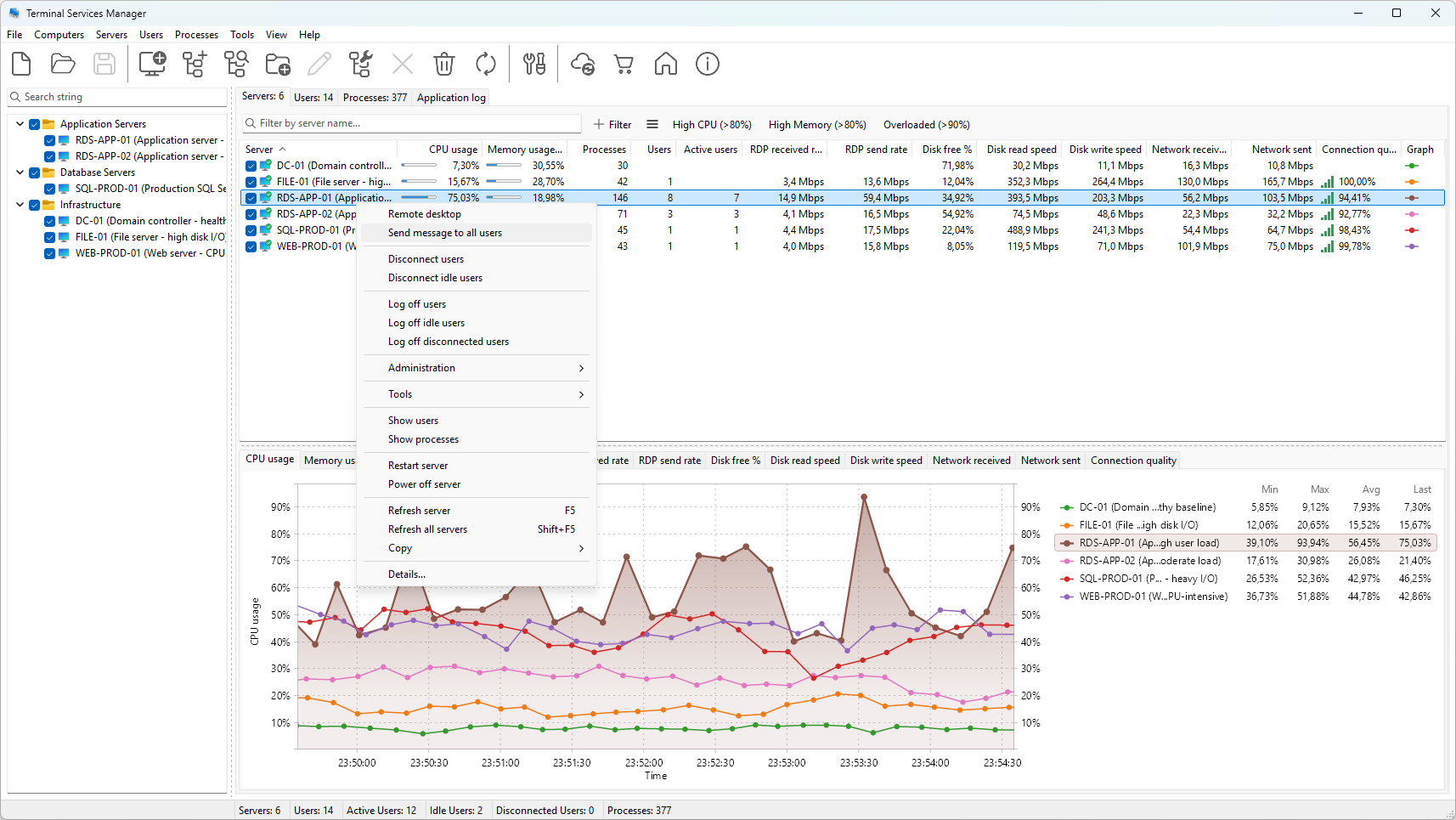
On the Servers tab, select one or more servers (hold Ctrl or Shift for several), right-click, and choose Send message to all users.
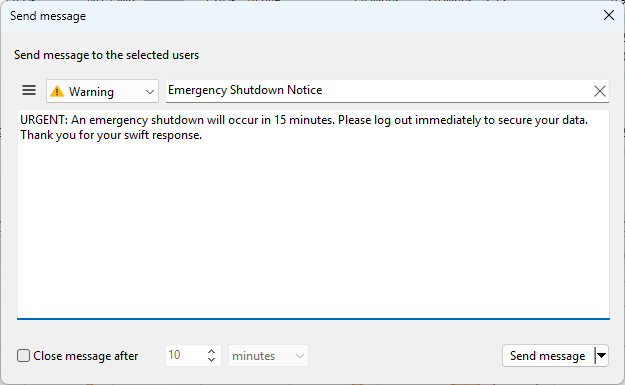
Type a title and the message body, then send. It appears as a message box on every user's desktop across all the selected servers.
To warn a single person instead, for example the one user holding up a reboot, select their row on the User sessions tab and choose Send message.
Reuse the wording with presets
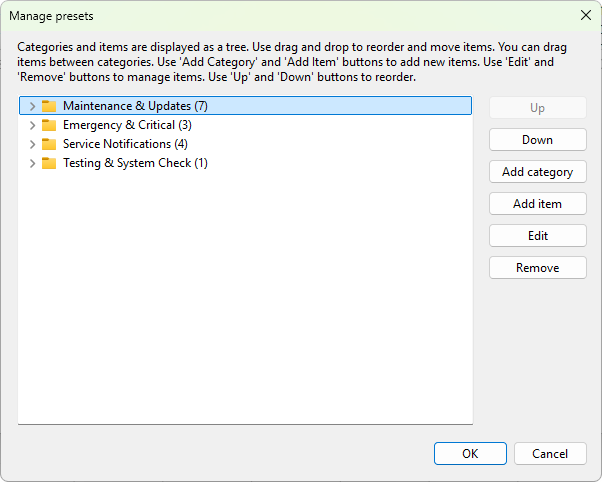
Maintenance notices are the same every time apart from the date. Save them as message presets so you can send a standard "Reboot in 15 minutes, please save your work" with one pick instead of retyping it. Presets can include variables such as %computer_name% and %time_now% that the program fills in when the message is sent.
A warning is the first step, not the whole job
The message does not wait for users to comply or reboot anything by itself. For the full sequence of warn, clear remaining sessions, then restart, see how to reboot a terminal server without losing user data.
Related
- How to reboot a terminal server without losing user data
- How to log off idle users on a Remote Desktop server