
A user locks the screen, goes home, and the session stays on the server, holding memory and every program the user left open. Windows shows such a session as active, so it is easy to miss in a list.
The manual way: quser
quser shows each session's state and idle time, but it does not say whether the screen is locked:
quser /server:RDSH01
A locked session looks like any other active one, and you have to check each server on its own.
The faster way: the Locked column in Terminal Services Manager
Terminal Services Manager shows whether a session is sitting on its lock screen, and it counts such sessions for you.
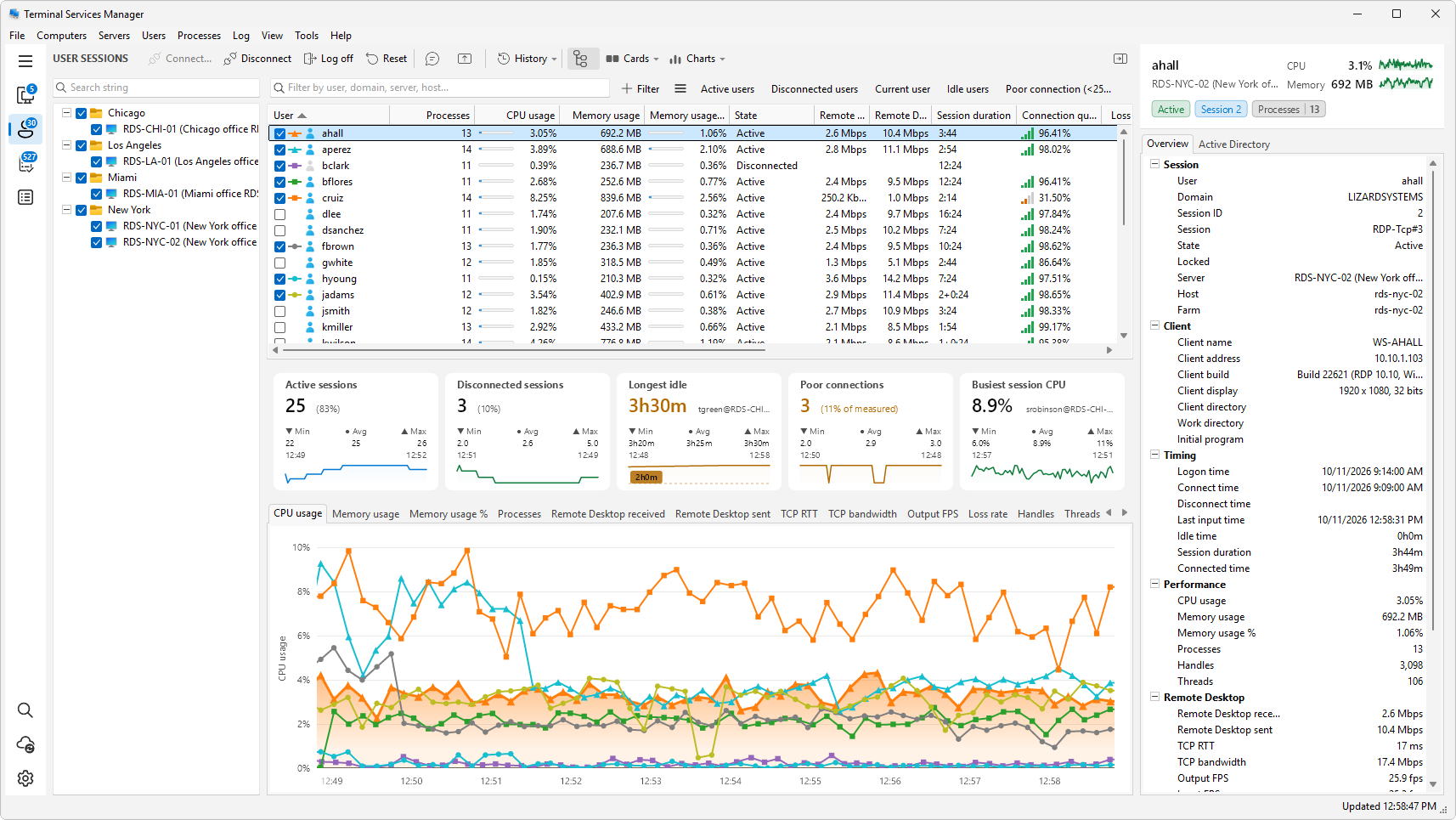
- Open User sessions in the sidebar. The Locked column shows Locked for every session on the lock screen.
- Click the Locked column header twice to bring the locked sessions to the top of the list.
- To see only the locked sessions, click the Locked sessions button above the list. The filter presets menu next to Filter also has Not locked.
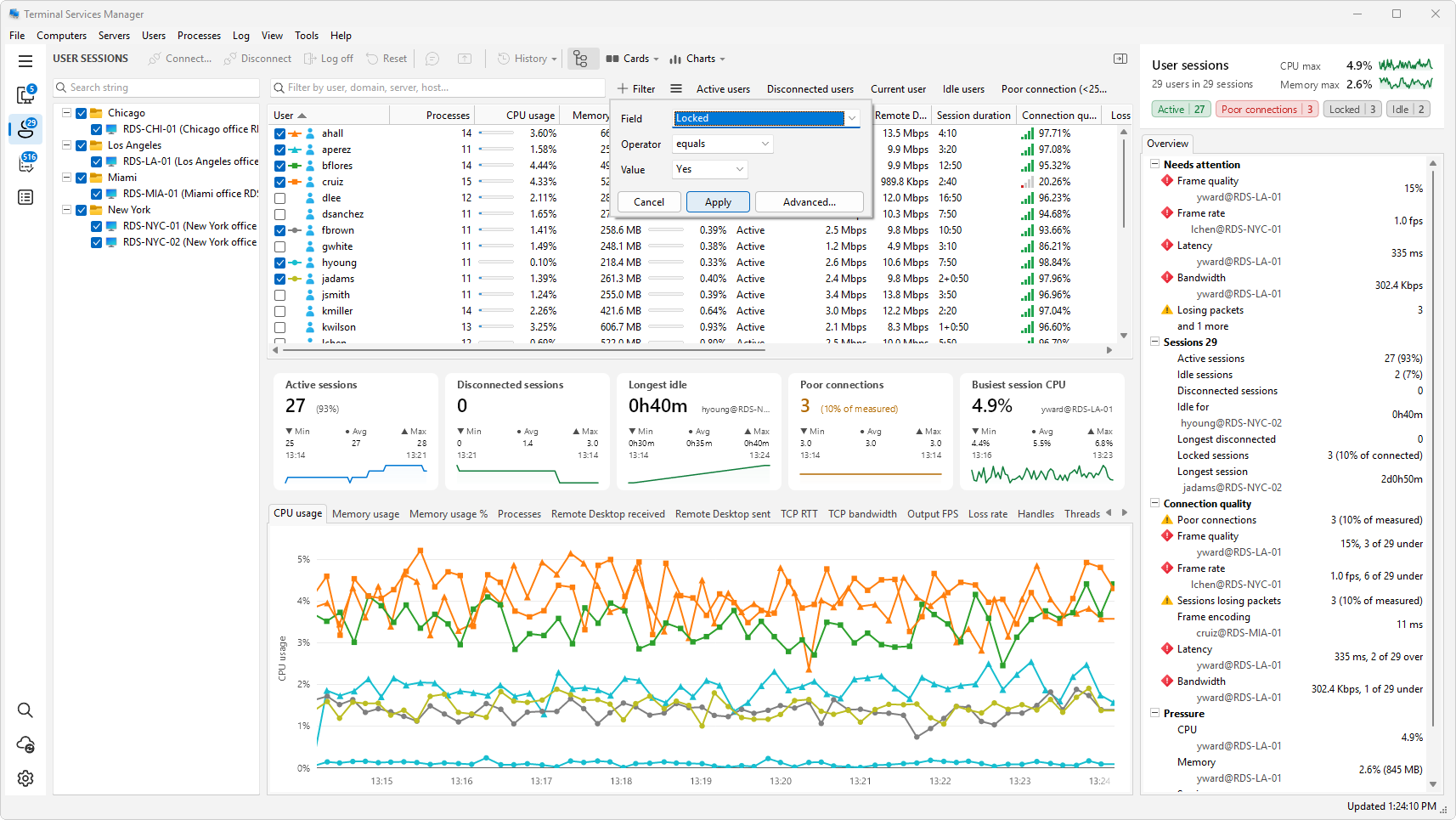
- To build your own condition, click Filter, choose the Locked field, and pick Yes or No, and click Apply.
- Read the Idle time and Session duration in the inspector on the right. A session that has been locked for hours is a candidate for cleanup. A session locked for a minute is probably a coffee break.
- With nothing picked, the inspector's Sessions block shows Locked sessions with the share of connected sessions, and the Locked sessions card, which you can add from the Cards menu, counts them over time.
Log off the sessions
Select the sessions, right-click, and choose Log off. The program asks you to confirm before it logs anyone off.
Be careful with this: logging off a session closes the user's programs, and any unsaved work is lost. For sessions that are only idle, Disconnect is gentler, because the programs keep running and the user can come back to them. To clean up by idle time across several servers, see the related guides.
Related
- How to log off idle users on a Remote Desktop server
- How to log off disconnected RDP sessions
- How to send a message to all Remote Desktop users