
Main Window
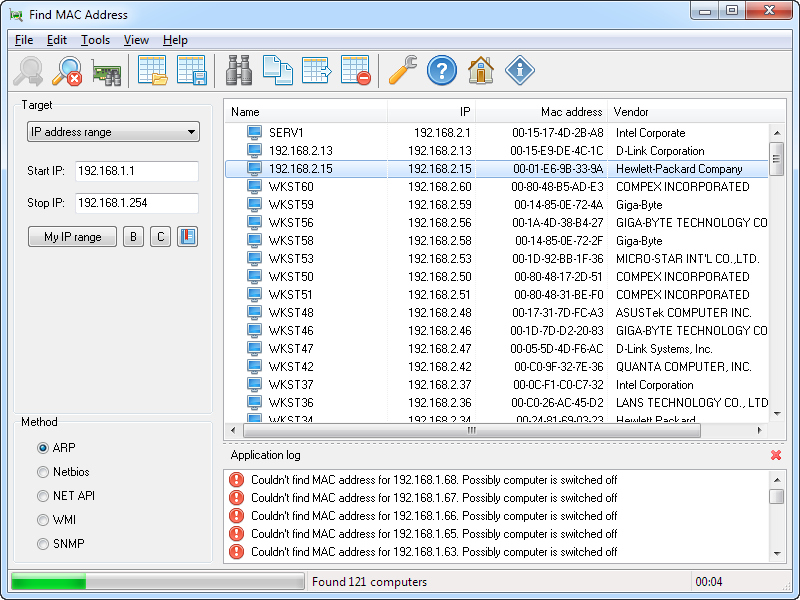
In this chapter
Main Menu
Toolbar
The toolbar allows you to quickly access the main features of the software. Find MAC address — Start …
Panel Target
You can select one of the six objects for scanning.
Panel Method
Before you start the scan process, you can select the method you want to use to find the …
Scan results
All detected computers and their MAC addresses are shown in the list of scan results. You can view …
Application log
The scan log contains messages the software makes while scanning and finding MAC addresses.
Was this page helpful?
Thanks for your feedback.