
The terminal server is at 100% CPU and everyone is complaining that it is slow. You need to know which session, and which process inside it, is responsible, and you need to know fast.
The manual way: Task Manager and qprocess
Signed in to the host, the Details tab of Task Manager shows processes with a Session ID column (add it from the column chooser) and CPU usage, so you can match a heavy process back to a session. From a command line, qprocess lists processes per session:
qprocess /server:RDSH01 *
The catch is that you have to be on that one server to see it, and turning a session ID into a user name and then deciding what to do means jumping between tools.
The faster way: Terminal Services Manager
Terminal Services Manager shows processes from every server in one list, already linked to the user and session that own them.
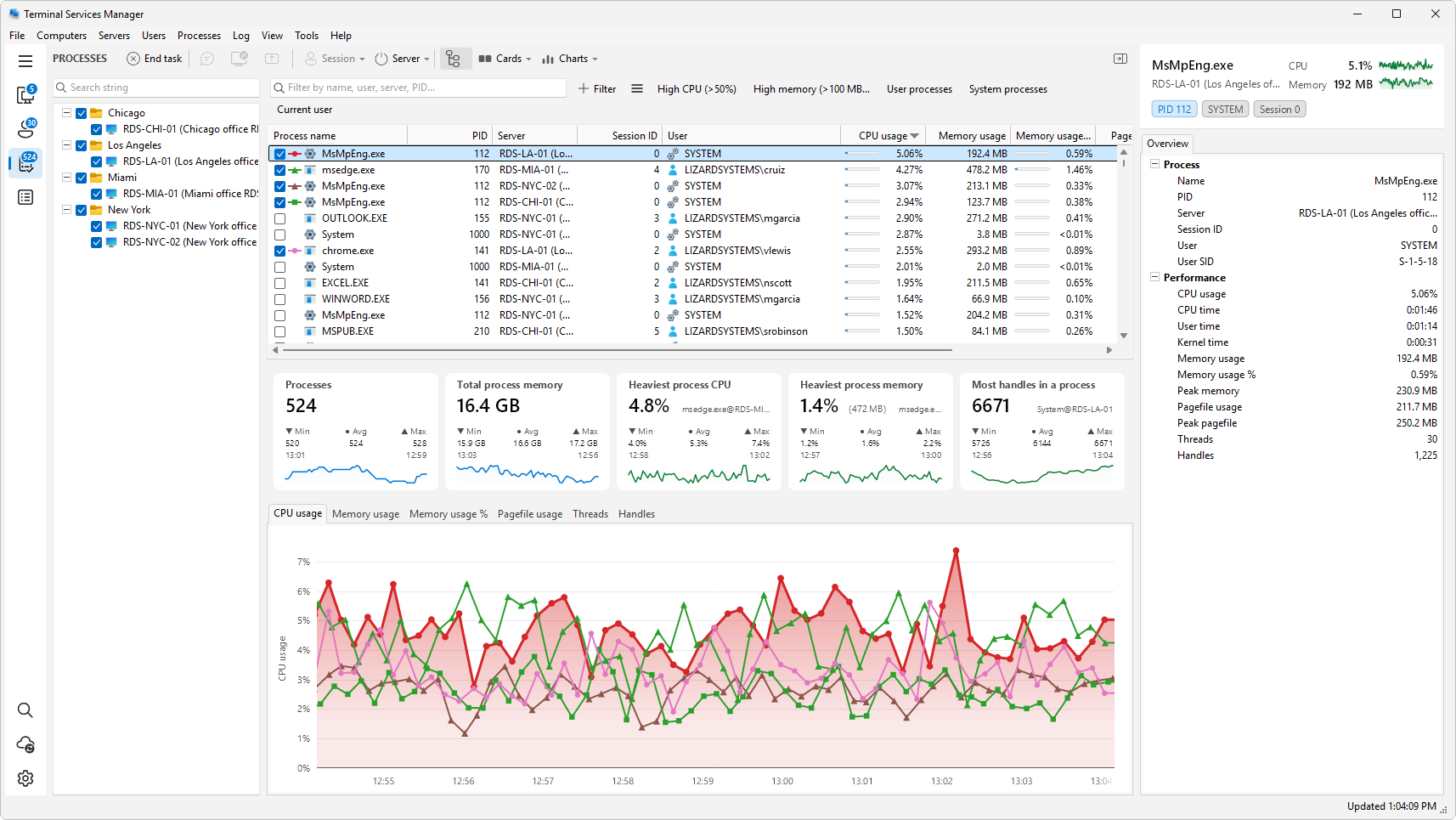
Find the process. Open Processes in the sidebar and click the CPU usage column header to sort highest first. The top rows are the heaviest processes across all your servers; each row also shows the user name, session ID, and server. The High CPU preset button narrows the list to the busy ones in one click. To watch usage over time instead of reading one sample, open the CPU usage chart.
Follow it back to the user. Right-click the process for the drill-down commands:
- Show user session jumps to the user session that owns the process.
- Show user processes filters the list to everything that one user is running, so you can tell whether it is a single runaway process or the whole session.
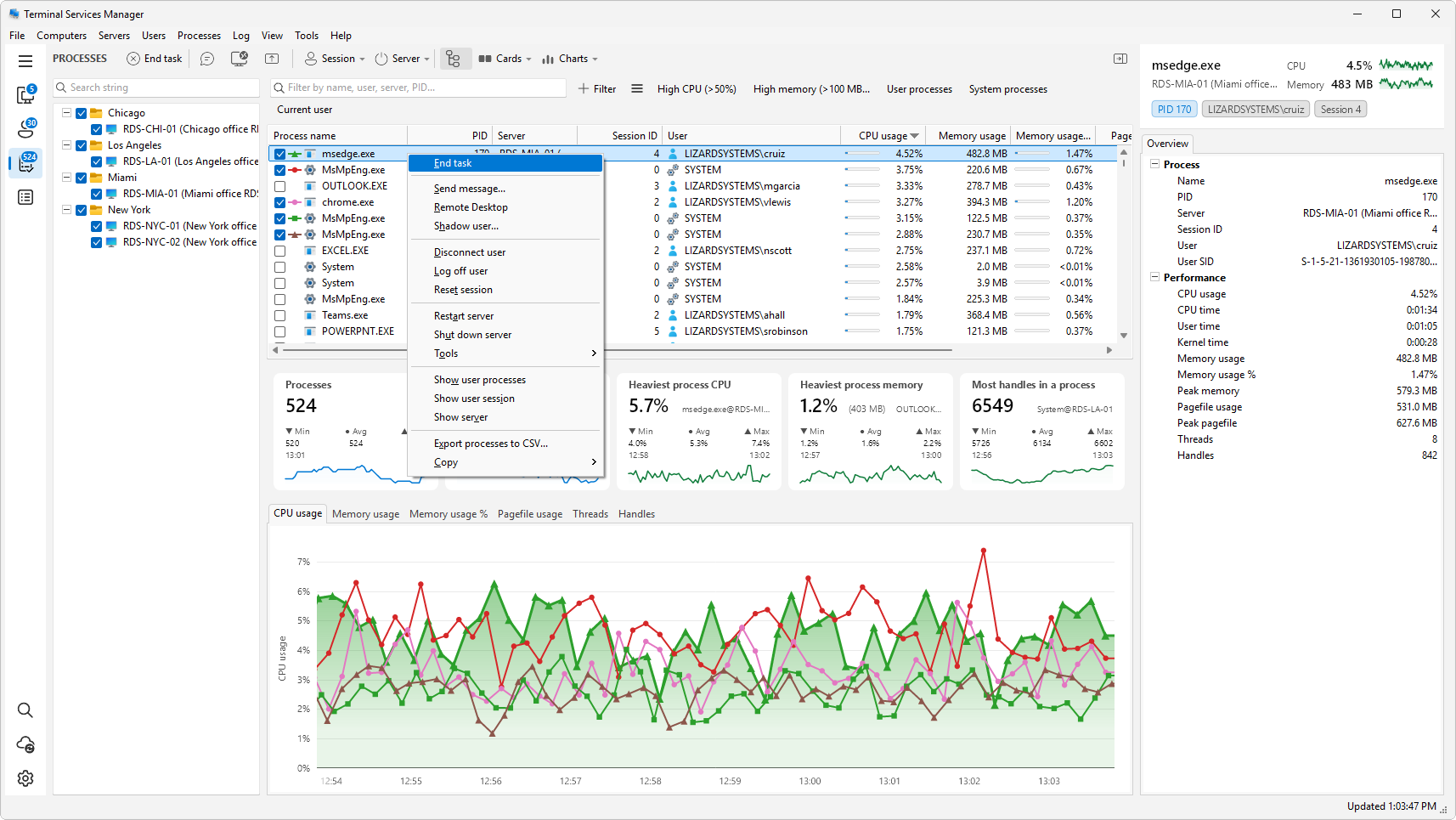
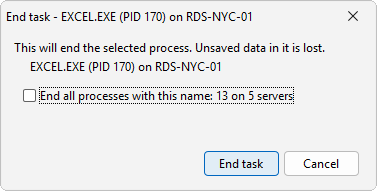
Deal with it. From the same menu, End task ends a single hung or runaway process and leaves the session up. If the user is unresponsive, send them a message or log them off.
Do not forget memory
A slow host is not always CPU-bound. Sort by Memory usage instead to find the sessions using the most memory; the High memory preset button narrows the list the same way. Note that Windows Dynamic Fair Share Scheduling balances CPU, disk, and network between sessions, but not memory, so one user can still starve a host of RAM.