
Application log
The Application log section records what Terminal Services Manager itself is doing: the servers it connects to, the actions it runs, and any errors it hits along the way. When a connection fails or an action does not behave as expected, this is where you find out why. Open it from the sidebar.
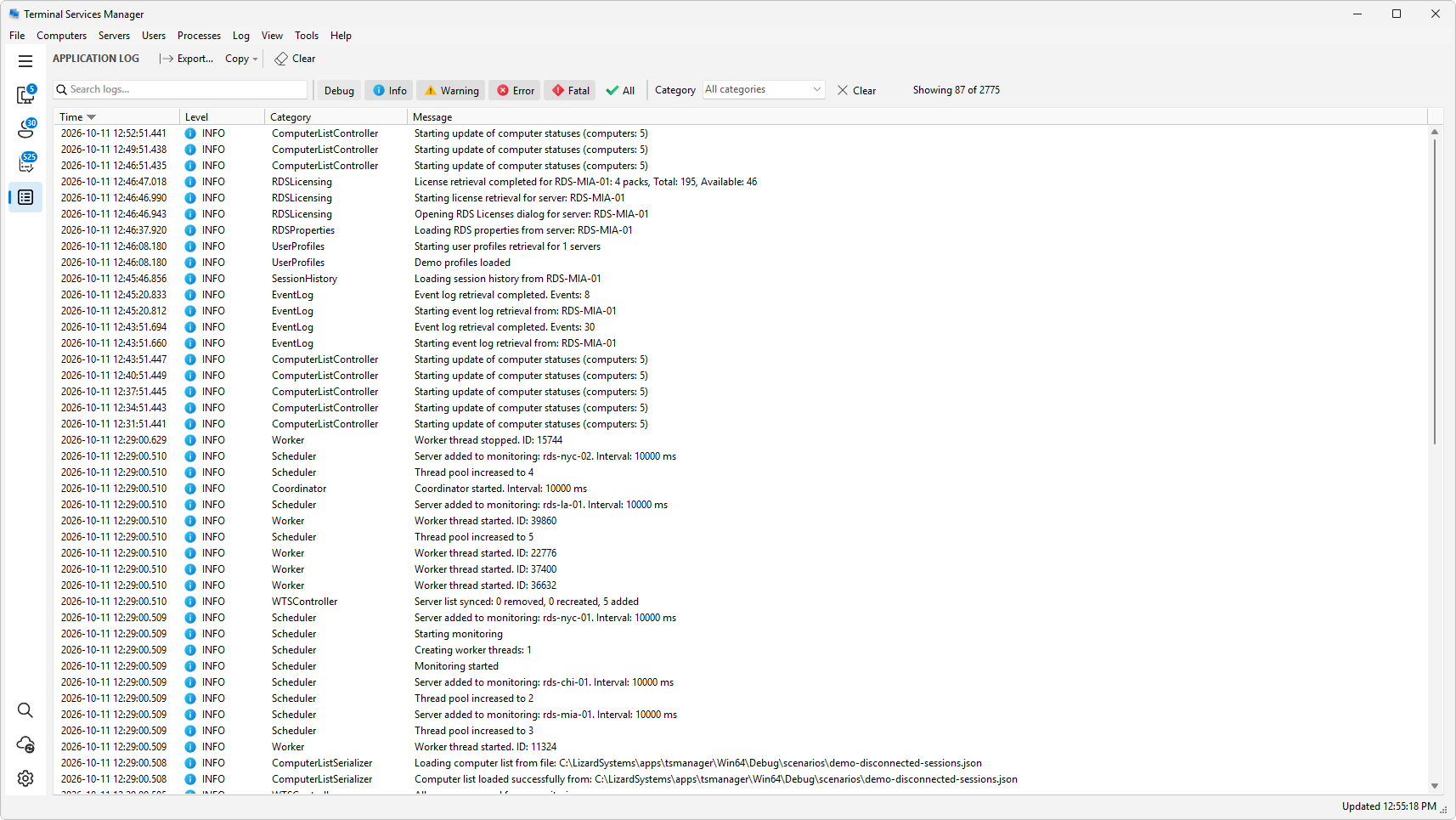
The menu bar also has a Log menu that exports the log, copies rows, and clears it. This section covers reading the log and getting useful information out of it.
In this chapter
Was this page helpful?
Thanks for your feedback.