
Keeping up to date
Keeping the program current means you get fixes and new features as they ship. Terminal Services Manager checks for updates on its own and lets you check on demand.
Check on demand
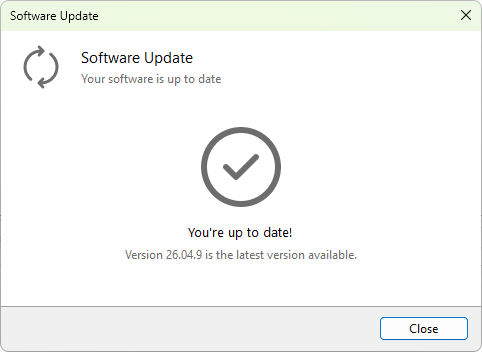
Choose Help > Check for updates... at any time. The Software Update dialog tells you whether you are up to date or a newer version is available. When one is, choose Download & Install and the program downloads the new version and installs it for you.
Automatic checks
Terminal Services Manager also checks periodically and lets you know when a new version is ready, so you do not have to remember to look. You can adjust how it behaves in Preferences, under software updates.
Rolling out to several machines
If you run Terminal Services Manager on more than one workstation, you do not have to update each one by hand. Install or upgrade from the command line with the Windows Package Manager, winget upgrade tsmanager, or run the installer with its silent switches from your own deployment tooling. The installing Terminal Services Manager page in the handbook lists the silent switches, and installing with winget covers the package manager.
Once the program is current, make sure it is registered.