
Organizing and connecting
A flat list of a hundred servers is hard to work with. Groups give the list structure, so it stays navigable as it grows. A separate question is which account the program connects with, and the answer is simpler than you might expect: one account for the whole list.
Group your servers
Create a group with Computers > Create new group..., or right-click in the list and choose Create new group.... Give it a name and click OK. Drag servers and other groups onto it to build the hierarchy you want; drag a node to the root to pull it back out.
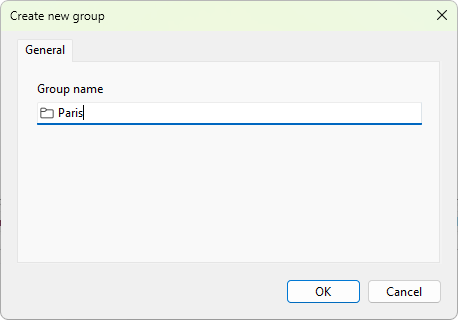
Group by whatever matches how you work: by site, by domain, by role (session hosts, brokers, license servers), or by customer. Groups are organizational only and do not change what is monitored, so you can regroup freely. The expand and collapse state travels with the list when you export it.
To remove a group, right-click it and choose Delete. Deleting a group removes the servers inside it too, so move anything you want to keep first.
Connecting under the right account
Groups organize the list; they do not hold credentials. Terminal Services Manager connects to every server under the single Windows account it is running as, the same account for the whole list. There is no per-server or per-group user name and password to set.
So the way to reach hosts on a different domain, or hosts your everyday account cannot administer, is to run the whole program under an account that can. Hold Shift, right-click the program shortcut, choose Run as different user, and sign in with an account that is a local administrator on those hosts. The handbook covers this in connection credentials.
At scale, the practical pattern is to keep one management workstation, or a session on a jump host, signed in under an account that administers your RDS fleet, and run Terminal Services Manager from there. An Access denied result or empty data from a server almost always means the account you are running as lacks rights on that host.
When the structure or names need a wider change, reach for bulk operations.