
Checking computer status
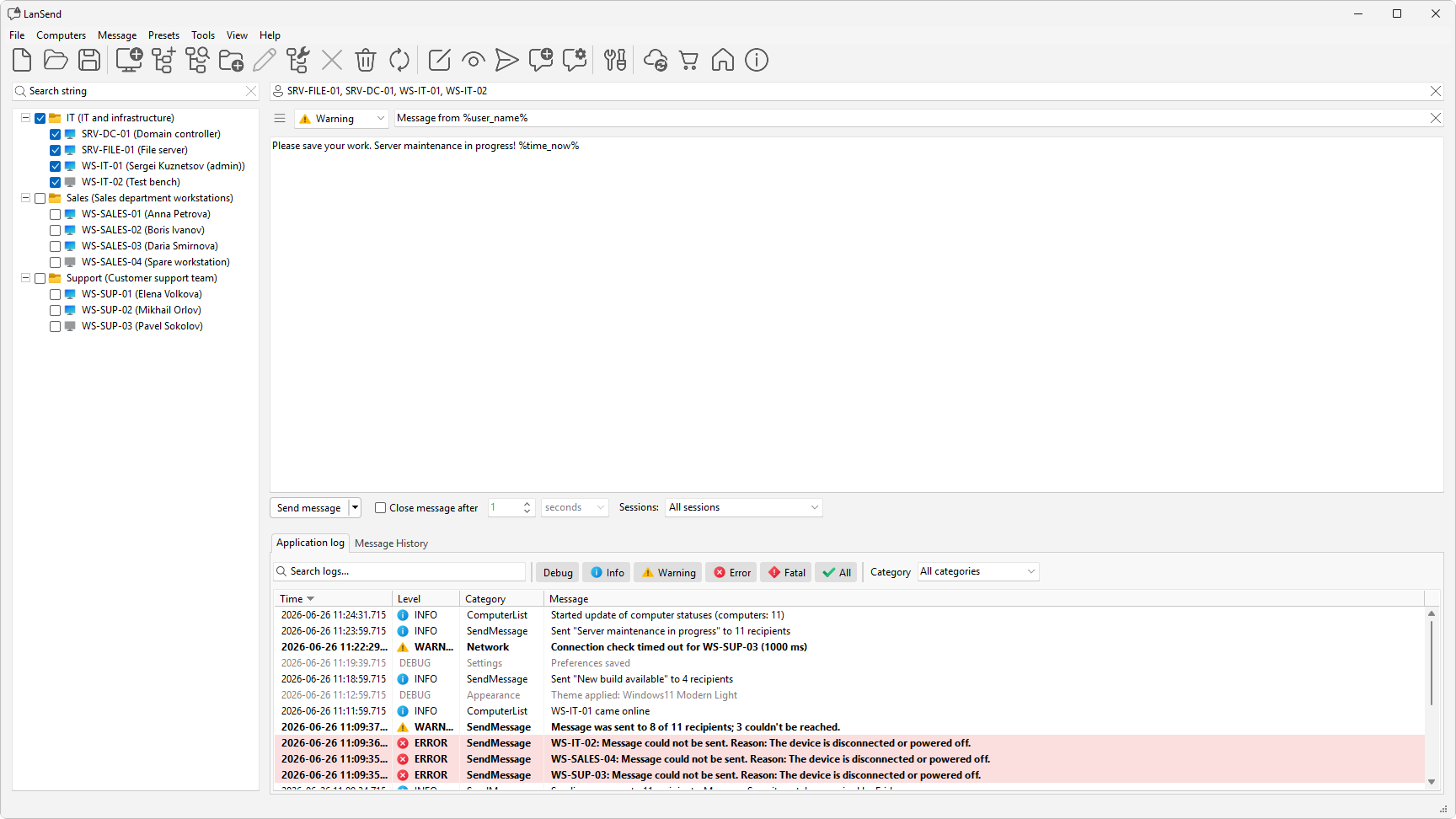
LanSend can mark each computer on your list as online or offline so you know which machines are reachable before you send. You choose how it checks, or turn the check off, on the General preferences page.
How the status check works
The check runs periodically against every computer in the computer list. On the General page of File > Preferences..., the Check state group sets the method:
- Don't check state turns the check off. No computer shows an online or offline state.
- Ping sends an ICMP echo to each machine.
- TCP connect to port opens a connection to a port instead. The port field next to it defaults to 139.
A Timeout value, in milliseconds, decides how long LanSend waits for a reply before it counts a machine as offline. The Threads value sets how many computers are checked at once.
Refresh the status now
To check every machine again without waiting for the next round, choose Computers > Update computers. The list updates with the current online and offline states.
You can also have the list refresh on its own. On the Computer list preferences page, Automatically update computer list turns on a repeating refresh, with an Update interval in seconds.
Show reachable machines first
On the same Computer list page, turn on Show online computers before offline ones to sort the reachable machines to the top of the list. Offline machines drop to the bottom, so the computers you can message are together.