
Import and export
Export writes your computer list to a file, and import reads one back in. Use them to copy a list to another machine or to hand it to a colleague, without rebuilding the groups by hand.
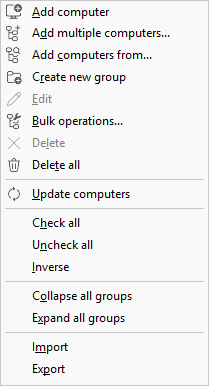
Export the list
Choose Computers > Export, pick a format, and save the file. The export holds the computers and groups as they appear in the tree.
Import a list
Choose Computers > Import and open a file. The machines and groups it contains are added to the current list.
Formats
Import and export support four formats:
- JSON
- XML
- Text (.txt)
- RHF (deprecated, kept for older files)
There is no CSV.
The list file you work with through File > New, Open, Save, and Save as... is separate from import and export, and it uses JSON or XML only. Reach for import and export when you want to move computers in or out of a list rather than open a whole list as your working file.