
Variables
Variables are placeholders you type into a message title or body. LanSend replaces each one with a value from your own computer just before the message is sent.
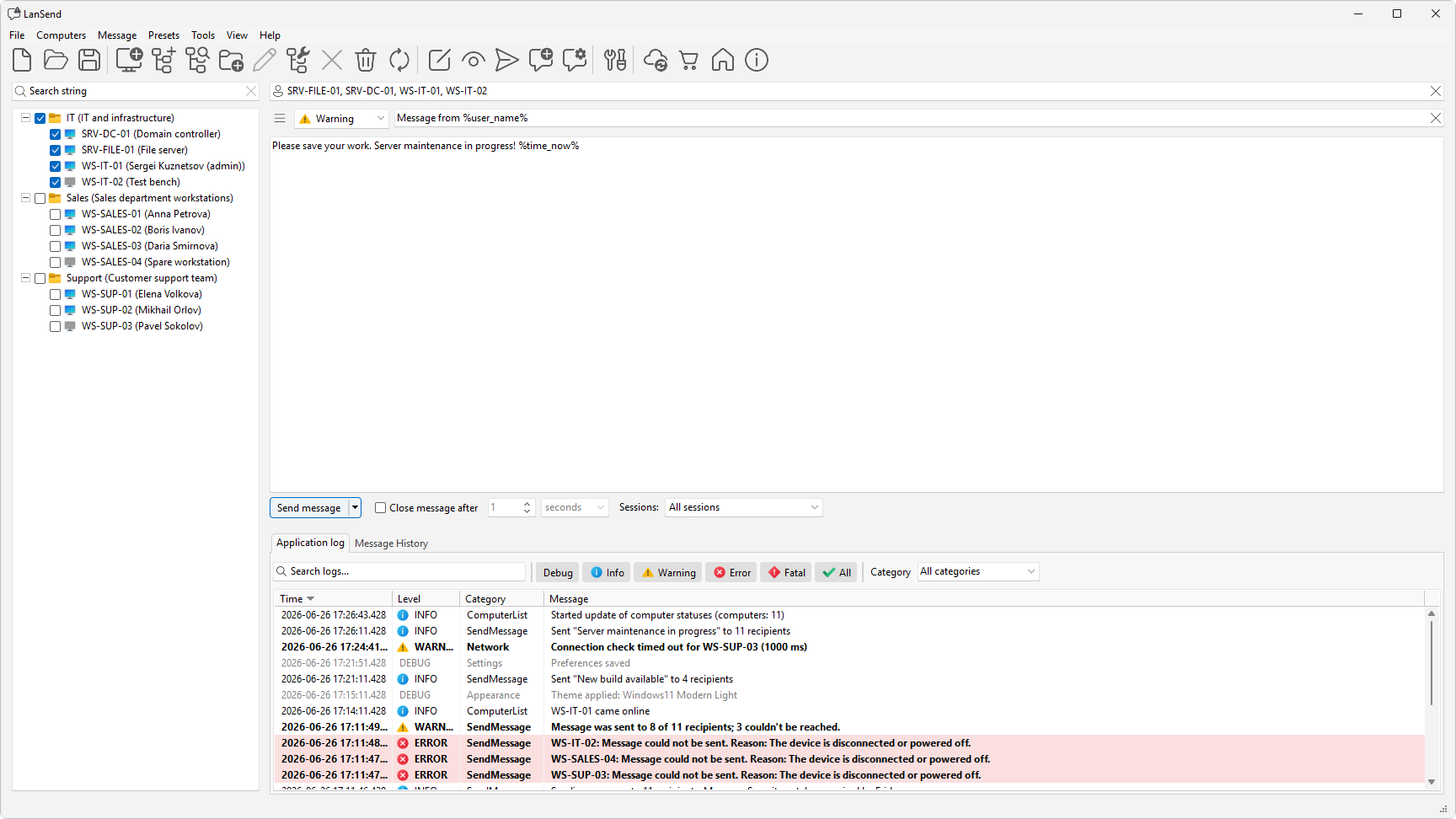
The five variables
There are five variables. Names are case-insensitive, so %COMPUTER_NAME% works the same as %computer_name%.
| Variable | Expands to |
|---|---|
%computer_name% |
The name of your computer |
%user_name% |
The user signed in to your computer |
%time_now% |
The current date and time |
%time% |
The current time |
%date% |
The current date |
Each one resolves to the local value on the sending machine, not on the recipient. So %computer_name% is the name of the PC you are sending from, and %user_name% is the account you are signed in with.
When they expand
LanSend keeps the text as you typed it, with the %...% markers intact, until you send. The values are filled in at that moment, so the date and time match when the message actually goes out. You can use variables in the title, the body, or both.
An example
Type a message like this:
- Title:
Maintenance on %computer_name% - Body:
Sent by %user_name% at %time_now%. Please save your work.
Sent from a PC named SALES-01 signed in as jsmith, the recipient sees the title Maintenance on SALES-01 and a body that starts Sent by jsmith at followed by the current date and time.
The same five variables work in the title and body passed on the command line.