
Updates
The Updates page, in File > Preferences..., controls when LanSend checks for a new version and how it installs one.
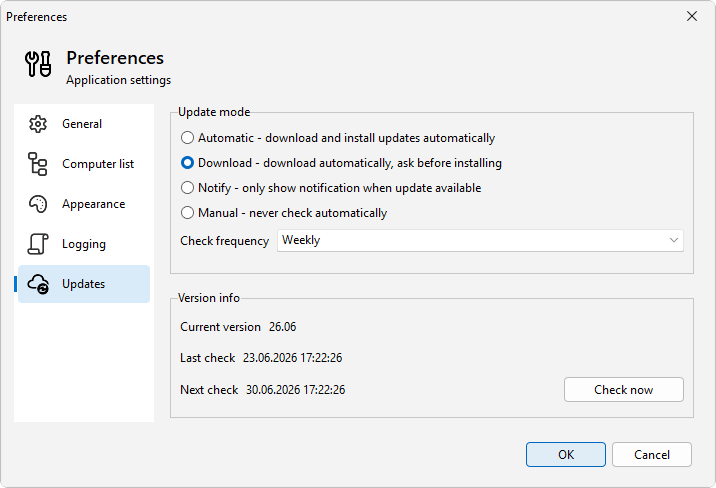
Update mode
Pick how LanSend handles an available update:
- Automatic - download and install updates automatically downloads each update and installs it on its own.
- Download - download automatically, ask before installing is the default. LanSend fetches the update, then waits for you to confirm the install.
- Notify - only show notification when update available tells you an update exists and leaves the download and install to you.
- Manual - never check automatically turns off background checks. You check yourself with Check now.
Check frequency
Set how often LanSend looks for a new version: On startup, Daily, Weekly, or Monthly. The default is Weekly.
Version and status
The page shows your Current version, the Last check, and the Next check. Check now runs a check right away, whatever the mode.
Downloads are verified for authenticity and integrity before they install.
See also
Was this page helpful?
Thanks for your feedback.