
Preferences
Open File > Preferences... to reach the settings dialog. It has a sidebar with five pages, each covering one area of the program. Defaults are sensible, so you can leave most of it alone and change only what you need.
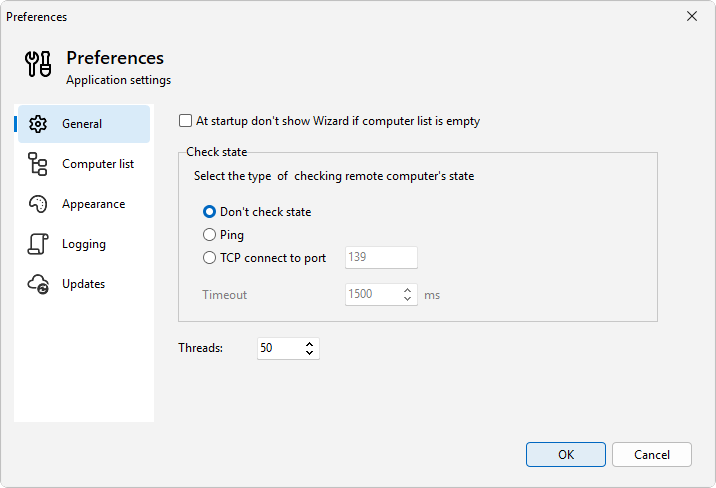
The pages are General (how computer status is checked, the default timeout, and how many machines are messaged at once), Computer list (how the list looks and refreshes), Appearance (light and dark themes), Logging (the application log and optional file logging), and Updates (how LanSend checks for and installs new versions).
In this chapter
General
The General page in LanSend Preferences: hide the startup wizard, set the computer status check (Ping or TCP), …
Computer list
The LanSend Computer list preferences page: pick the computer caption, sort online machines first, and set how often …
Appearance
Set the LanSend look on the Appearance preferences page: follow Windows or force light or dark, and pick …
Logging
Set up LanSend logging: pick a minimum level for the in-app log and turn on file logging with …
Updates
Set how LanSend checks for and installs updates on the Updates page in Preferences: update mode, check frequency, …
Was this page helpful?
Thanks for your feedback.