
Message type and title
The message type sets the icon and sound the recipient sees and hears, and the title becomes the heading of the pop-up. Both sit at the top of the composer, above the message body.
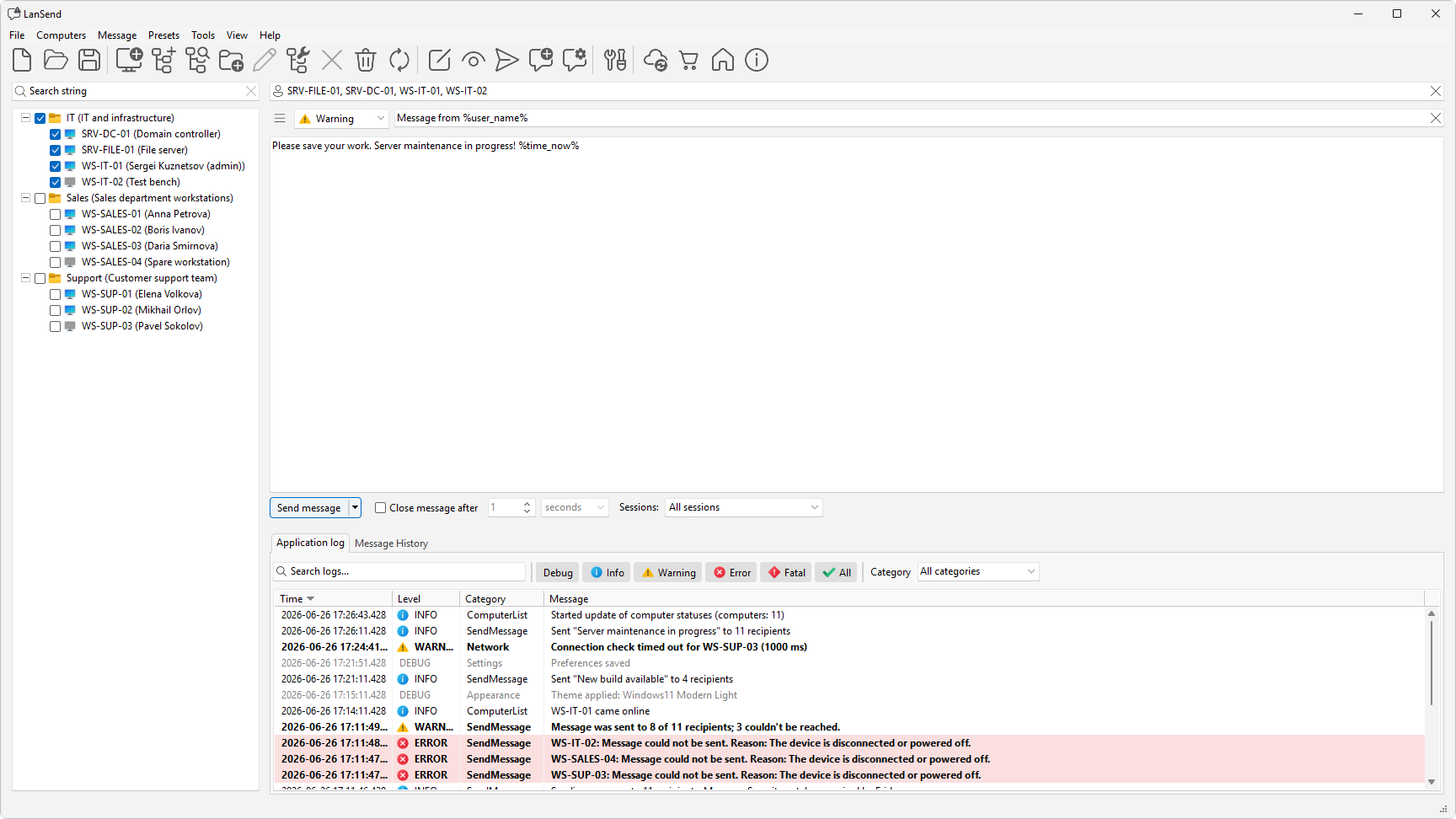
Pick a message type
The type combo has four choices:
- None sends a plain message with no icon.
- Info adds the Windows information icon and sound.
- Warning adds the Windows warning icon and sound.
- Error adds the Windows error icon and sound.
The icon and sound tell the recipient how urgent the message is before they read a word. Use Info for routine notices, Warning when someone needs to act soon, such as saving work before a restart, and Error for a problem that is already affecting them. Pick None when an icon would be a distraction.
Set the title
The title field is the heading of the message box on the recipient's screen, shown above the body text. Keep it short and specific so the point is clear at a glance, for example "Server restart at 6 PM" rather than "Notice".
A title is optional. If you leave it empty, the pop-up shows only the body text.