
Log levels
Every entry in the application log has one of five severity levels. The level sets the row's color (and, for Info and above, a status icon) and how the level buttons on the filter strip affect visibility.
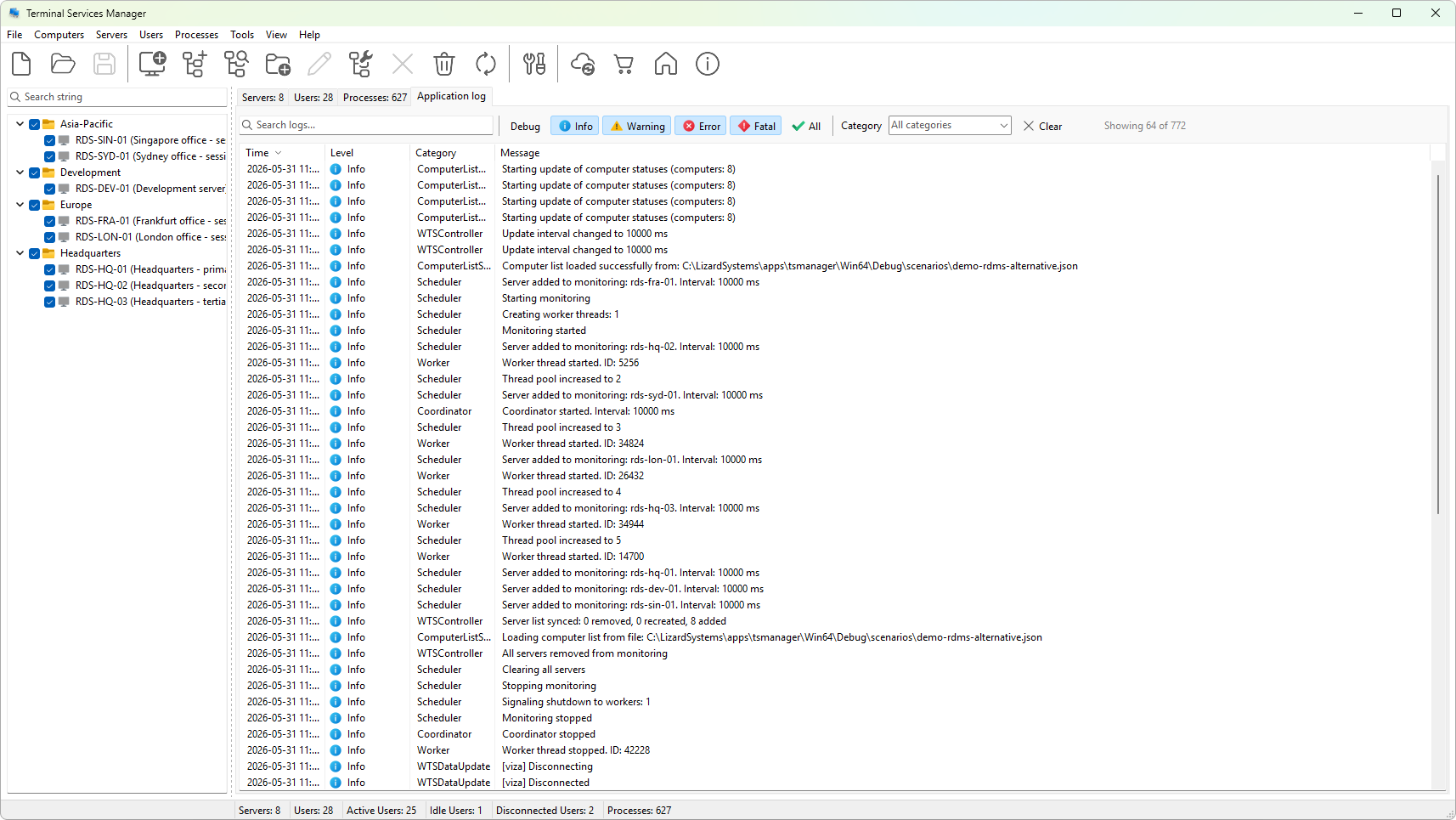
The five levels
- Debug (gray) - diagnostic detail. Per-server timings, intermediate steps, decision points. Useful for development and for tracing an unexpected failure; otherwise verbose. Debug messages are not localized; they are always in English.
- Info (blue) - normal operation. Programmer-initiated actions, successful connections, refresh ticks, configuration changes. Default minimum level for most users.
- Warning (amber) - something is not right, but the program continued. A retry that succeeded, a deprecated API path, a stale credential. Worth reading on a quiet day; ignore on a busy one.
- Error (red) - the operation failed. A connection refused, a permission denied, a timeout. The relevant rows are the first place to look when troubleshooting.
- Fatal (dark red) - an unhandled exception or programming error caught by the runtime. Always a bug; please report.
Level button row
The filter strip has one button per level plus an All button. Tick the levels you want to see. Untick a level to hide its rows. All toggles every level on or off.
The chosen levels are remembered between sessions.
Which levels go to disk
The level threshold for the on-disk log file is independent of the level filter on the tab; configure it on the Logging preferences page. File logging is off by default; when you turn it on, the default minimum level is Error and above. The tab itself shows everything (any level the in-memory writer was told to keep).
Reporting an issue
If you are filing a support ticket, set the tab to All levels, reproduce the issue, then export the visible rows (Copying and exporting log entries). The exported file gives the support team the context they need without screen-by-screen narration.