
Updates and licensing
This chapter covers two things you need to do once after installation and then occasionally: keep the program up to date, and register your license. Both run from the Help menu and from a handful of dialogs the program opens automatically at the appropriate time.
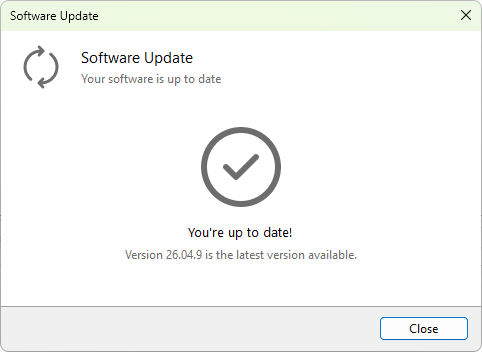
Terminal Services Manager can check for new versions on its own or on demand. When an update is available, it tells you what changed and offers to download and install it. You decide how often it checks and whether it does so automatically on the Software updates page of Preferences.
Registering your license removes any usage limits and confirms your purchase. Enter the key you received once, and the program stores it for good. The pages below walk through both tasks step by step.
In this chapter
Was this page helpful?
Thanks for your feedback.