
Resetting a session
Reset terminates the session immediately. Unlike log off, it does not give the session's applications a chance to close cleanly. Use it when log off has hung or when a session is stuck in a bad state.
How to do it
Select one or more sessions, then:
- Right-click and choose Reset, or
- Choose Users > Reset session from the main menu.
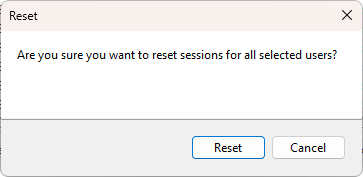
A confirmation dialog asks Are you sure you want to reset sessions for all selected users?. Click Reset to proceed.
What happens on the server
The Windows WTSLogoffSession API runs on the target server, the same call used by Log off. The session is removed; any application that had not already saved its work loses it. The session disappears from the list on the next refresh.
This is the same as the reset session command in query session / tsadmin parlance. The label "Reset" exists in the menu so you can keep mental separation between "the user is finished" (Log off) and "the session is stuck and needs to go" (Reset), even though the underlying Windows API is the same.
When to use it
- Log off has been running for several minutes with no effect.
- The session is in Idle, Down, or another non-responsive state and you need to free the slot.
- A session-specific service is hung and the user cannot reconnect.
For normal cleanup of a finished user, prefer Log off. Reset is the emergency escape hatch.