
System requirements
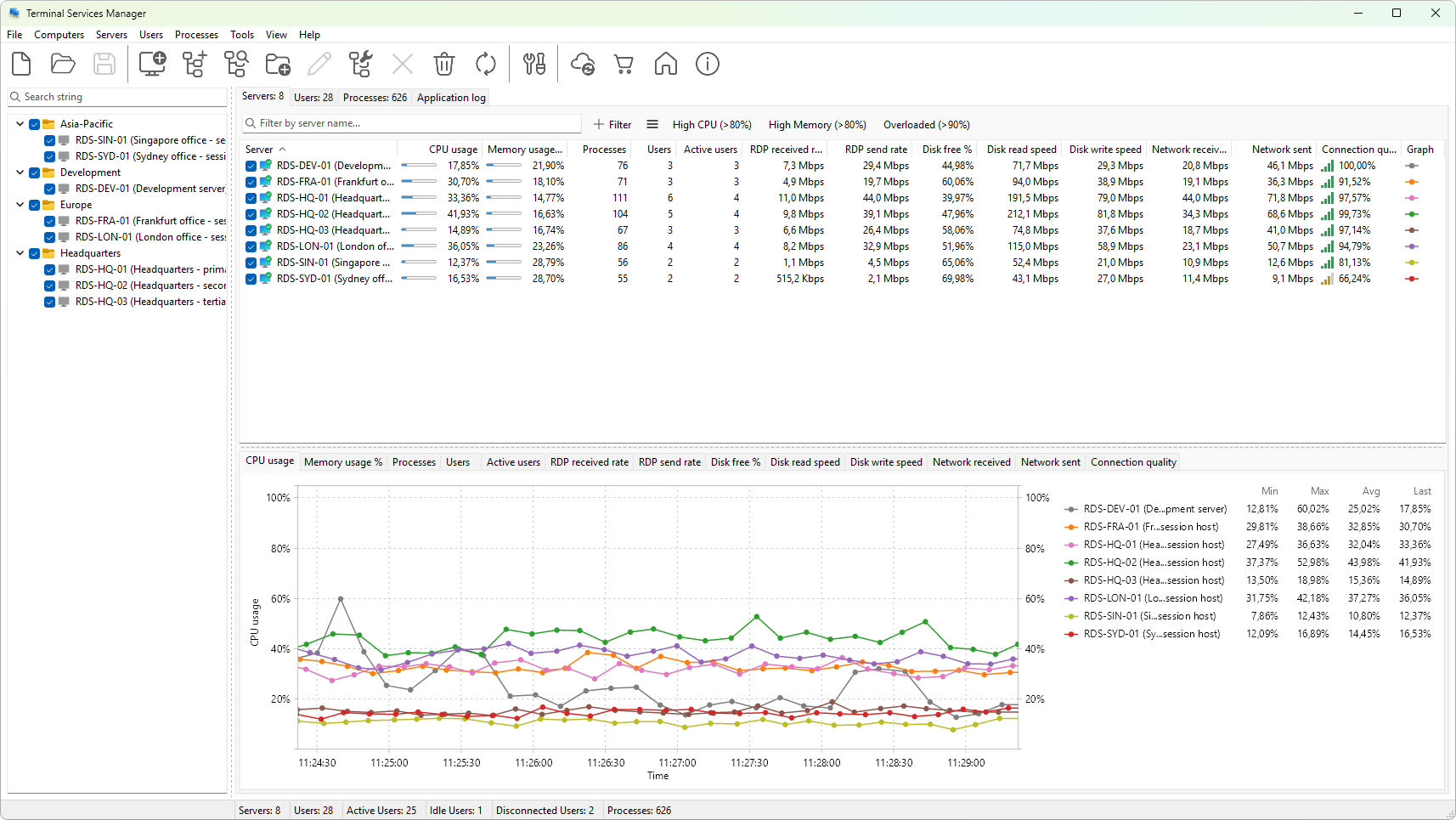
Computer that runs Terminal Services Manager
- Operating system: Windows 10, Windows 11, or Windows Server 2016 / 2019 / 2022 / 2025.
- Architecture: 64-bit (x64).
- Disk space: about 50 MB for the installation, plus a small amount for application data and the local log file.
- Display: 1280 x 800 or higher. The interface scales correctly under per-monitor DPI on Windows 10 and later.
- Network: routable access to every server you want to monitor (TCP/IP). Domain membership is not required, but using domain credentials is the easiest way to authenticate.
Servers you want to monitor
Any Windows version that ships Remote Desktop Services and its supporting WMI / RPC interfaces. In practice this means:
- Windows Server 2012 R2 and later for full RDS server monitoring.
- Windows 10 / 11 for monitoring desktop sessions on individual computers (Remote Desktop on a workstation).
For each remote computer the program uses several Windows administration interfaces:
| Feature | Protocol used | Default ports |
|---|---|---|
| Session and user lists | RPC over SMB (WTS API) | 445/TCP |
| Performance counters (CPU, memory, disk, network) | PDH / Remote Registry | 445/TCP, 135/TCP |
| Server state probes | configurable: ICMP, TCP, or WMI | 7/TCP, 135/TCP, ICMP |
| Failed logons and RDS event log | Event Log RPC | 135/TCP + dynamic |
| Remote Desktop sessions | RDP | 3389/TCP |
The account you run Terminal Services Manager under must have administrator rights on the remote computer. For workgroup or cross-domain scenarios, run the program under an account that has those rights (see Connection credentials).
What needs to be reachable
On the remote computer make sure that:
- The Remote Registry service is running. It is required for performance-counter collection and is not started by default on workstations.
- The firewall allows Remote Service Management, Windows Management Instrumentation (WMI), and File and Printer Sharing for the network profile you are connecting through.
- Remote Desktop Services is installed (always present on Windows Server; needs to be enabled on workstation editions through System Properties).
The method used to decide whether a server is reachable is configurable on the Network preferences page, where you can switch between ICMP, TCP, and WMI probes.
Was this page helpful?
Thanks for your feedback.