
Preferences
The Preferences dialog gathers every persistent setting that controls how Terminal Services Manager looks and behaves. Open it once after installation to set the server refresh interval, the appearance, and the logging level; revisit it when something stops working the way you want.
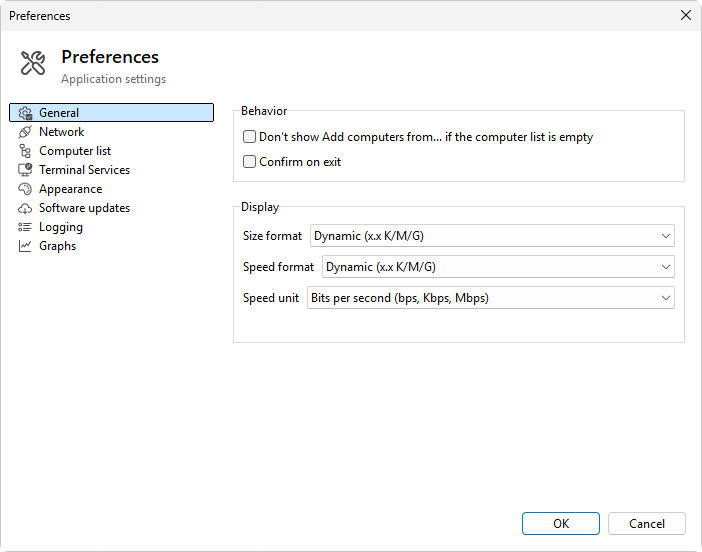
The dialog is split into pages, each reached from the navigation tree on the left. The pages group related settings: startup and display behavior, how the computer list is shown, how servers are polled and how their state is verified, theme and colors, software updates, logging, and graph defaults. A header banner names the page you are on and gives a one-line summary of what it controls.
Open Preferences from File > Preferences... or with the wrench button on the toolbar. Click OK to save and apply your changes, or Cancel to discard them. Most settings take effect immediately; a few file-logging changes wait until the next log file is opened.