
Computer list display
The Computer list page controls how each entry on the left-hand pane is labeled and how the computer list is kept current.
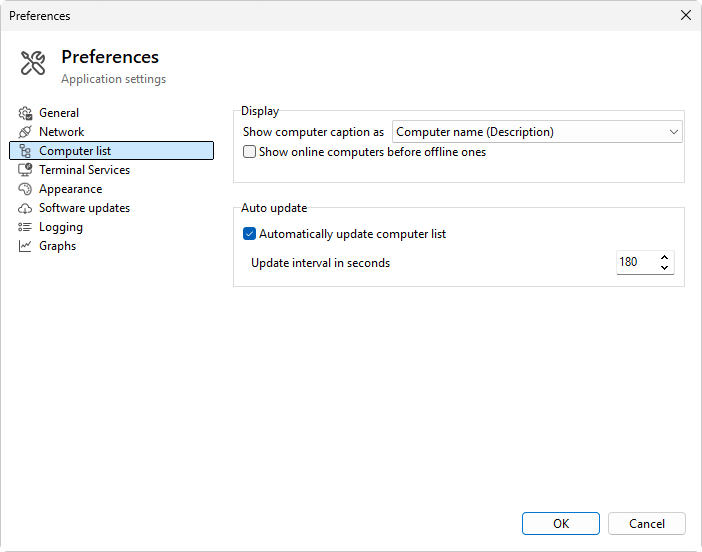
Display
- Show computer caption as - what each entry's label looks like. Four options in this order:
- Computer name (Description) - host name first, description in parentheses. Default.
- Description (Computer name) - description first, host name in parentheses.
- Computer name - just the host name.
-
Description - just the description text.
-
Show online computers before offline ones - tick to push reachable entries to the top of each group, with unreachable ones at the bottom. Otherwise the within-group order follows the manual sort (drag and drop) you set up in the list.
Auto-update
- Automatically update computer list - tick to have the program re-resolve names and refresh the online / offline state on a timer.
- Update interval in seconds - how often the auto-update runs. The default is 60 seconds; the field is enabled only when auto-update is ticked.
The auto-update runs in the background; you can use the list while it runs. A name change in DNS or a host going offline is picked up at the next tick.
Was this page helpful?
Thanks for your feedback.