
Getting started
Welcome to Terminal Services Manager - a tool that lets you monitor and administer Remote Desktop Services (RDS) servers, the users connected to them, their sessions, and the processes running inside those sessions.
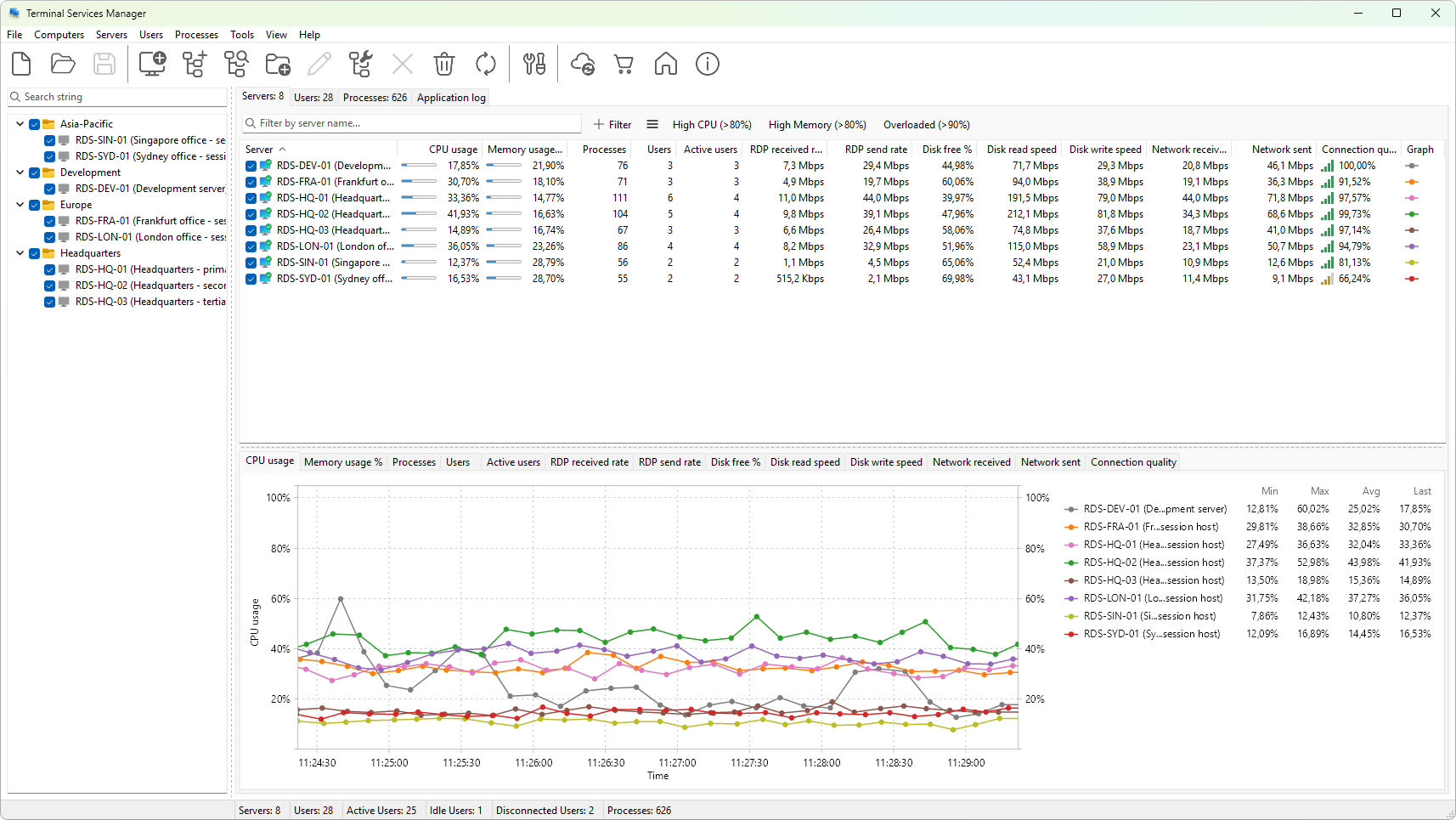
From one window you can see which servers are online, who is signed in, how long each session has been idle, and what each user is running. You can disconnect or log off users, send them messages, shadow a session, end a process, or restart a server, all without opening a remote desktop connection to each machine.
This section walks through what the program can do, what you need to run it, how to install it, and how to find your way around the main window. Start here if this is your first time with Terminal Services Manager; once you know your way around, move on to building your computer list.