
Filtering processes
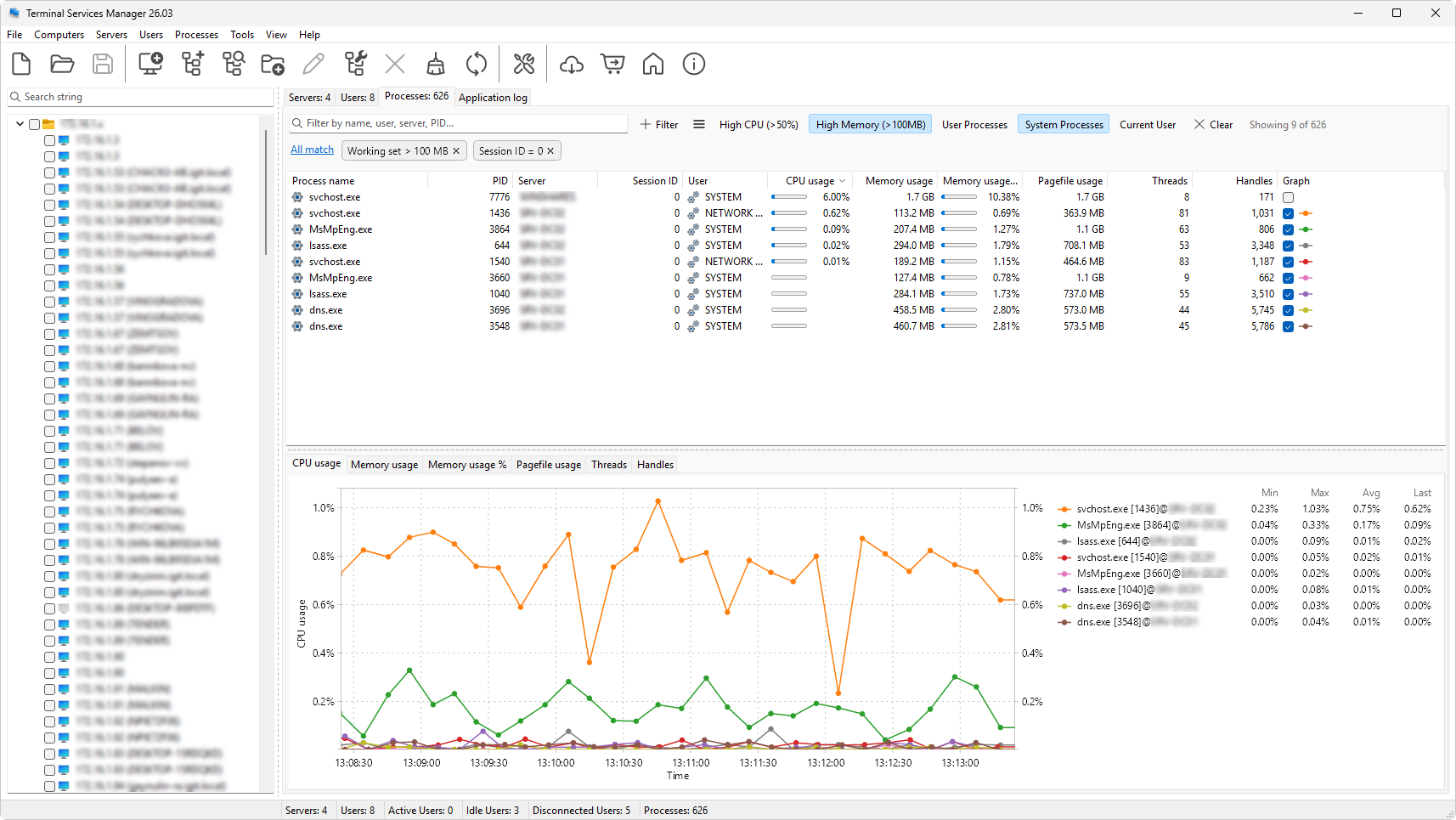
The Processes tab has a filter strip above the tree. Use it to narrow the list to the processes you care about.
Quick search
The text field on the left is a substring search. As you type, rows that do not contain the search text in any of their visible text columns are hidden. Matching text is highlighted in the cells.
Click the clear button at the right edge of the field to remove the search.
Filter conditions
Use the filter chip area to add conditions. The Filter builder opens when you choose Custom filter... from the presets menu. Each condition is one field, one operator, and one value (for example, CPU usage > 50). Active conditions are shown as chips below the search field; click a chip to edit it, or click its x to remove it.
Presets
A preset is a saved set of conditions. Click the presets button to open a menu of:
- Built-in and custom presets - click one to toggle it on or off. Built-in presets ship with the product and cover common cases such as high CPU, high memory, and system processes.
- Custom filter... - opens the filter builder for the current query.
- Clear filter - removes every active condition and the quick search.
- Manage presets... - opens the preset manager.
- Advanced > Export presets... and Import presets... - save or load preset files.
- Advanced > Reset to defaults - replace your presets with the built-in set.
Where this all lives
The same filter mechanics work on the Servers, User sessions, and Processes tabs, each with its own field list. See Filtering and searching for the full reference.