
Refreshing server data
Terminal Services Manager refreshes server metrics on a timer. You can change how often that happens, or trigger a refresh on demand.
The auto-refresh timer
By default the program refreshes every server in the list every 10 seconds. The timer keeps running whether the Servers tab is in front or not, so when you switch back to it you always see recent numbers.
Change the interval in File > Preferences, on the Terminal Services page:
- Automatically refresh server list every - the number of seconds between auto-refresh ticks. The default is 10 seconds. Very low values are accepted, but anything below about 3-5 seconds risks starting the next tick before slow servers have finished the previous one.
- Server response timeout - the number of seconds the program waits for a single server to respond before giving up. The default is 30 seconds and the allowed range is 10 to 300 seconds.
Refreshes run in parallel: each server is queried on its own worker thread, so a slow or unreachable host does not hold up the others. The number of worker threads is also set in WTS options.
Manually refreshing selected servers
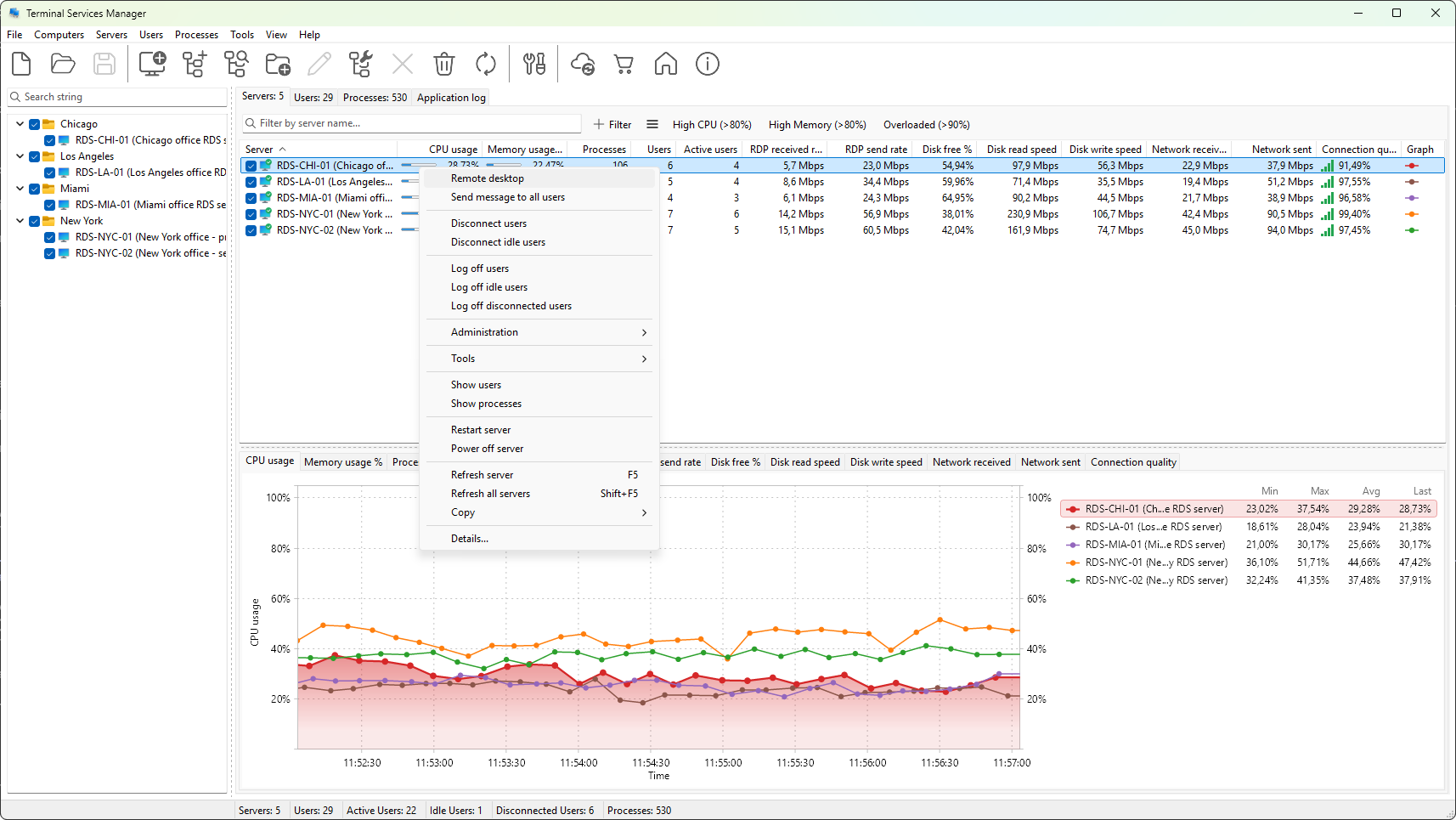
Select one or more servers, then right-click and choose Refresh server from the server context menu. Only the selected servers are queried.
Refreshing every server
Right-click in the Servers tab and choose Refresh all servers. Every entry in the list is queued for refresh immediately, regardless of selection.
Tuning for large fleets
If your environment is large and the default 10-second interval pushes too much WMI and PDH traffic, lengthen the interval to 30 or 60 seconds; the graphs still build a useful history, just sampled less often. For a specific incident, drop the interval to a few seconds while you investigate, then put it back when you are done.
A server that is repeatedly slow to refresh usually has either WMI throttling enabled or the Remote Registry service stopped. The row's tooltip reports which check failed.