
Exporting process data
You can copy process data to the clipboard or save it as a CSV file.
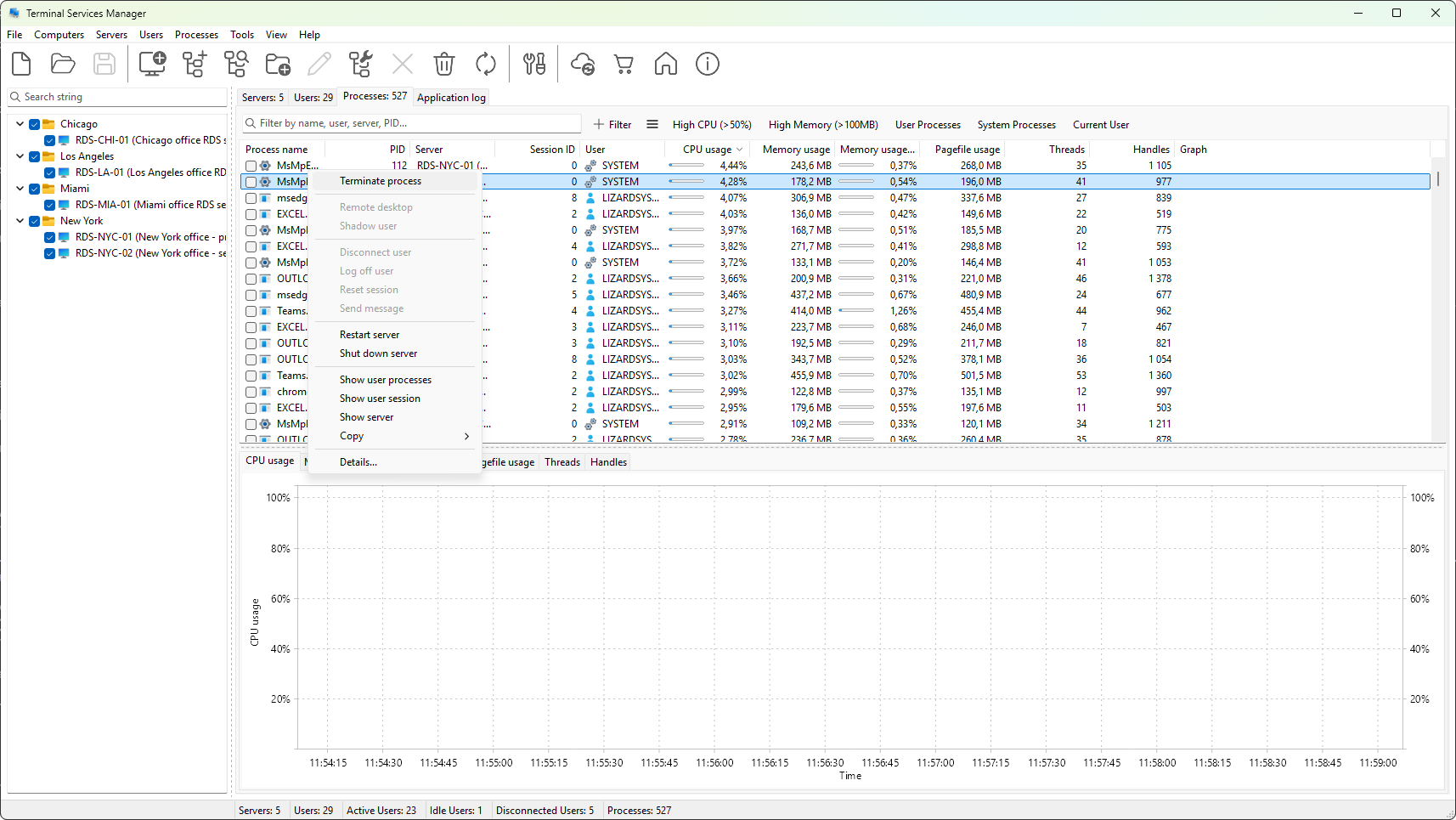
Copying to the clipboard
The Copy submenu of the Process context menu has three commands:
- Copy row - the focused row, all visible columns, as tab-separated text.
- Copy cell - just the cell under the mouse pointer.
- Copy all rows - every visible row, plus a header row.
Hidden columns are not included. If a filter is active, only the rows that pass the filter are copied.
Exporting to a CSV file
Choose Processes > Export processes to CSV from the main menu. A save-file dialog opens with a default name of the form processes-YYYY-MM-DD-HH-MM-SS.csv.
CSV is the only export format. The file opens directly in Excel and any text editor.
The export is a snapshot: the visible columns in the current order, sorted as the screen is sorted, only the rows that pass any active filter.
Was this page helpful?
Thanks for your feedback.