
Sorting and grouping servers
The Servers tab is a flat list, but the column header lets you control how it is ordered.
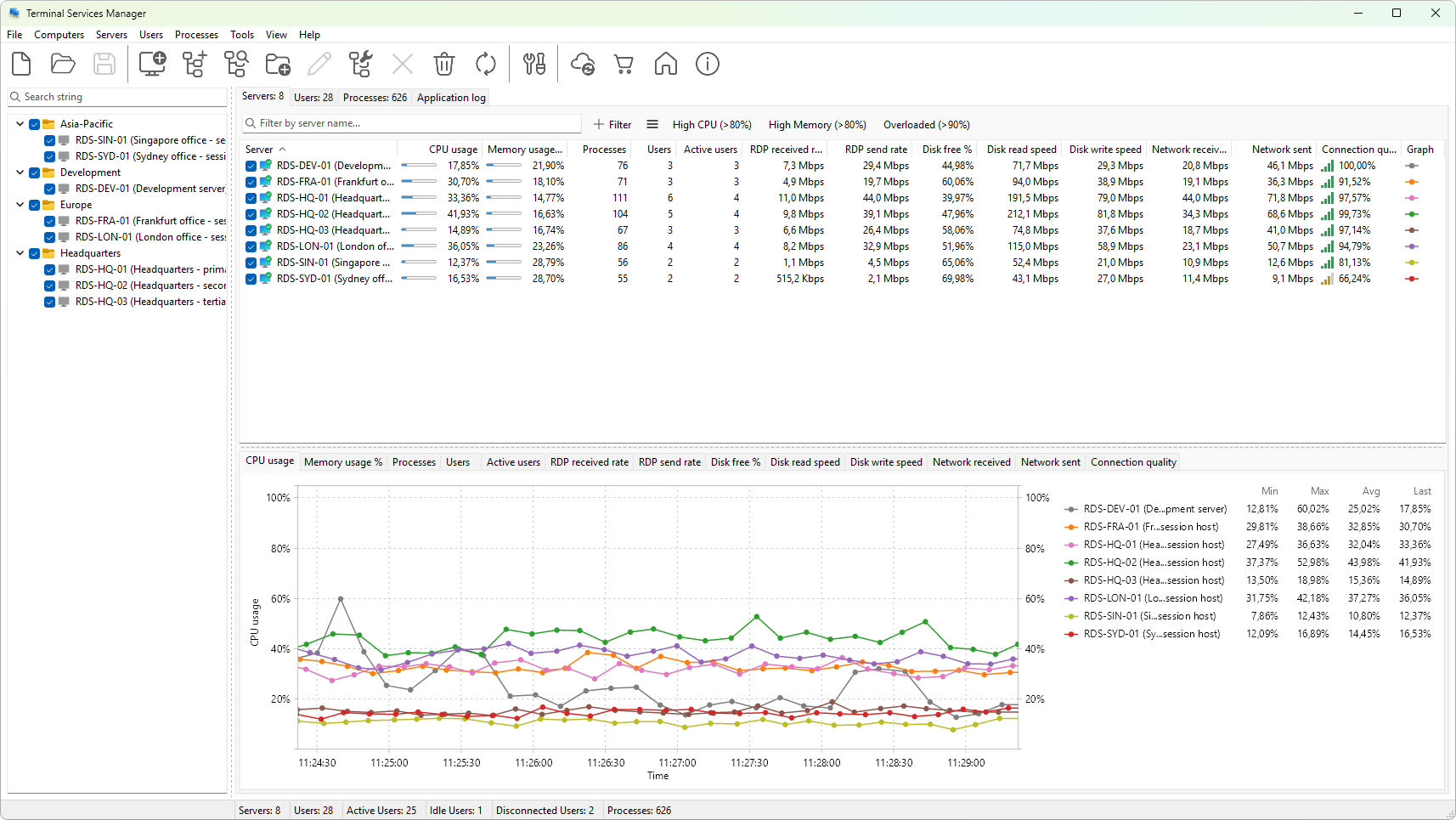
Sorting by a column
Click a column heading to sort the list by that column. An arrow appears in the heading to show direction:
- Up arrow - ascending (A to Z, 0 to highest, oldest to newest).
- Down arrow - descending.
Click the same heading again to flip the direction. Click a different heading to sort by that column instead. The tab sorts on one column at a time.
Reading the sort
When a sort is active, the order updates after every refresh tick. A server whose CPU just spiked moves up the list automatically. If that is too distracting, sort by Server (which does not change between refreshes) for a stable ordering.
Grouping
The Servers tab is a flat tree; it does not support arbitrary grouping. The closest thing is the grouping you set up in your computer list (see Organizing computers into groups); the Servers tab shows whatever is in the computer list.
For ad-hoc grouping during incident response, sort by the metric that matters (for example, Connection quality) and read down the list.
Quick navigation
- Home / End - jump to the first or last row.
- Type a letter - jump to the next row whose name starts with that letter.
- Up / Down arrows - move the selection by one row.
Search across the entire computer list is available in the left pane (see Searching the computer list). The Servers tab itself does not have its own search field.